---
title: "Developing a Secure API with NestJS: Creating Data Models and Services"
description: "Learn how to use NestJS, a Node.js framework powered by TypeScript, to build a secure API."
authors:
- name: "Dan Arias"
url: "https://auth0.com/blog/authors/dan-arias/"
date: "Sep 1, 2020"
category: "Developers,Deep Dive,Nest"
tags: ["typescript", "angular", "nest", "auth0", "full-stack", "frontend", "backend"]
url: "https://auth0.com/blog/developing-a-secure-api-with-nestjs-models-data-service/"
---
# Developing a Secure API with NestJS: Creating Data Models and Services
Are you starting from this chapter?
Clone the application repo and check out the `getting-started` branch:
``` bash
git clone git@github.com:auth0-blog/wab-menu-api-nestjs.git \
nest-restaurant-api \
--branch getting-started
```
Make the project folder your current directory:
``` bash
cd nest-restaurant-api
```
Then, install the project dependencies:
``` bash
npm i
```
Finally, create a `.env` hidden file:
``` bash
touch .env
```
Populate `.env` with this:
``` bash
PORT=7000
```
## Organize NestJS Apps Using Modules
A project of large size is easier to maintain and grow when its architecture is predictable and well-organized instead of being a spaghetti-like mess. NestJS uses modules to help you organize your application logically and to establish clear feature boundaries.
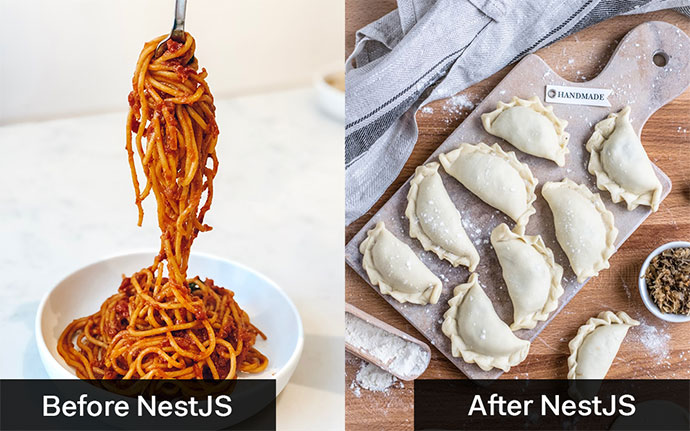
Each application has at least one module, the **root module**, and any number of **feature modules** that encapsulate components related to a specific application feature. NestJS uses the root module as a data structure to track and resolve the relationships between all your application components.
This application needs **three modules**: the **root module**, `AppModule`, and **two feature modules**: `ItemsModule` to encapsulate logic related to the `items` resource and `AuthModule` to handle anything related to API authorization.
Start by creating an `ItemsModule` using the NestJS CLI, which was installed as one of your `devDependencies` when you scaffolded your NestJS project:
``` bash
nest generate module items
```
Under the `src` directory, the CLI creates a new `items` directory to host your module files, which includes `items.module.ts` to define the `ItemsModule`. As you can see, a module is a class annotated with a `@Module()` decorator, which provides metadata that NestJS uses to organize the application structure.
Additionally, as you create new feature elements (such as classes, controllers, and services), the NestJS CLI updates the dependencies of your modules automatically. Open `src/app.module.ts` and notice how `AppModule` lists `ItemsModule` as an element of its `imports` array:
``` typescript
// src/app.module.ts
import { Module } from '@nestjs/common';
import { ItemsModule } from './items/items.module';
@Module({
imports: [ItemsModule],
controllers: [],
providers: [],
})
export class AppModule {}
```
## Create Data Models with TypeScript
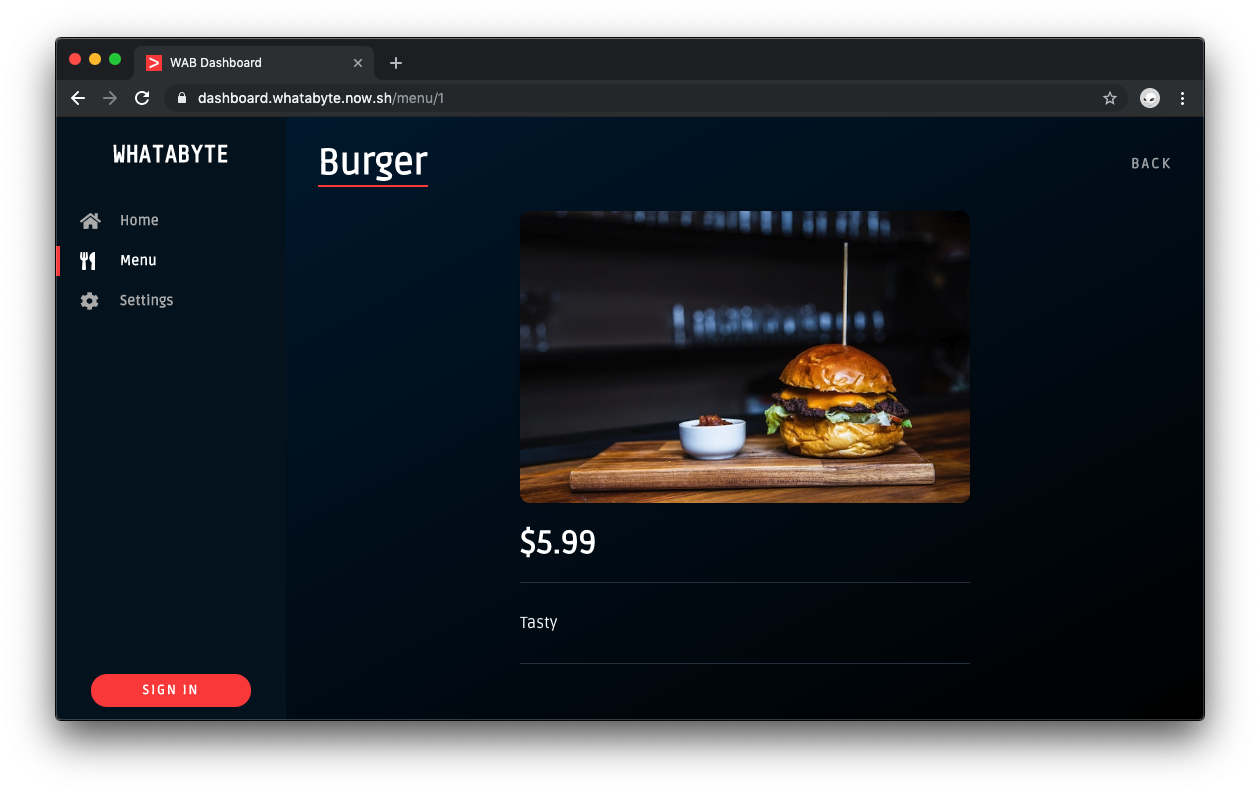
Before creating any controllers and services, define the structure of the data you want to manage. A menu item has the following properties:
- `id`: (number) Unique identifier for the item record
- `name`: (string) Name of the item
- `price`: (number) Price of the item in dollars
- `description`: (string) Description of the item
- `image`: (string) URL pointing to the item's image
With TypeScript, you can use either classes or interfaces to define and enforce the structure of objects during development. NestJS recommends using classes as these are preserved as real entities in the compiled JavaScript. Classes can also use decorators on its member variables to enhance them, which is quite helpful for data validation.
Using the CLI generate an `Item` class:
``` bash
nest generate class item --no-spec
```
NestJS creates an `item.ts` file under the `src` directory for you. Open this file and populate it like so:
``` typescript
// src/item.ts
export class Item {
readonly id: number;
readonly name: string;
readonly price: number;
readonly description: string;
readonly image: string;
}
```
It would be best to put these objects of type `Item` in a key-value store with the `id` property serving as the key and the `Item` object as the value.
Using the CLI generate an `Items` class:
``` bash
nest generate class items --no-spec
```
Update the newly created `src/items.ts` file as follows:
``` typescript
// src/items.ts
import { Item } from './item';
export class Items {
[key: number]: Item;
}
```
As you'll use these class definitions to type the methods of controllers and services that you'll create in the next sections, it's fine for these files to live under the `src` directory.
## Create a NestJS Service
Initially, you'll use an in-memory store to hold application data. Eventually, you'd want to persist those records in a [MongoDB](https://auth0.com/blog/auth0-tutorials-using-mongodb-atlas-as-a-custom-database/) or [PostgreSQL](https://auth0.com/blog/how-we-store-data-in-the-cloud-at-auth0/#PostgreSQL) store — or any other database. To migrate stores easily, you can use a pattern common to MVC architectures: lightweight controllers that delegate business logic to services.
As such, you'll create a service to encapsulate all the business logic related to read and write operations on the menu items store. In turn, this service will expose an interface for your controllers to perform these data operations. You'll end up with a modular and reusable service that you can eventually modify to use different stores without changing the code of any of its consumers.
Use the NestJS CLI to create an `ItemsService` as follows:
``` bash
nest generate service items --no-spec
```
> The `--no-spec` flag prevents the generation of files related to testing.
NestJS creates `items.service.ts` under the `src/items` directory. The newly defined `ItemsService` is also automatically registered as a provider of `ItemsModule`.
``` typescript
// src/items/items.module.ts
import { Module } from '@nestjs/common';
import { ItemsService } from './items.service';
@Module({
providers: [ItemsService],
})
export class ItemsModule {}
```
`ItemsService` will define an object to hold your store records along with methods to perform data operations on the store.
Update `src/items/items.service.ts` with the following code:
``` typescript
// src/items/items.service.ts
import { Injectable } from '@nestjs/common';
import { Item } from '../item';
import { Items } from '../items';
@Injectable()
export class ItemsService {
private readonly items: Items = {
1: {
id: 1,
name: 'Burger',
price: 5.99,
description: 'Tasty',
image: 'https://cdn.auth0.com/blog/whatabyte/burger-sm.png',
},
2: {
id: 2,
name: 'Pizza',
price: 2.99,
description: 'Cheesy',
image: 'https://cdn.auth0.com/blog/whatabyte/pizza-sm.png',
},
3: {
id: 3,
name: 'Tea',
price: 1.99,
description: 'Informative',
image: 'https://cdn.auth0.com/blog/whatabyte/tea-sm.png',
},
};
findAll(): Items {
return this.items;
}
create(newItem: Item): void {
const id = new Date().valueOf();
this.items[id] = {
...newItem,
id,
};
}
find(id: number): Item {
const record: Item = this.items[id];
if (record) {
return record;
}
throw new Error('No record found');
}
update(updatedItem: Item): void {
if (this.items[updatedItem.id]) {
this.items[updatedItem.id] = updatedItem;
return;
}
throw new Error('No record found to update');
}
delete(id: number):void {
const record: Item = this.items[id];
if (record) {
delete this.items[id];
return;
}
throw new Error('No record found to delete');
}
}
```
Notice that the `create` method creates a unique `id` property automatically for you when a new `Item` object is created using the [JavaScript Date API](https://developer.mozilla.org/en-US/docs/Web/JavaScript/Reference/Global_Objects/Date):
``` typescript
const id = new Date().valueOf();
```
This `id` value is based on the number of milliseconds between `1 January 1970 00:00:00 UTC` and the current time.