---
title: "Auth0 SDK for .NET Desktop and Mobile Applications Supports MAUI"
description: "Support for .NET MAUI is now available in the Auth0 SDK for .NET Desktop and Mobile Applications. Let's have a quick overview."
authors:
- name: "Andrea Chiarelli"
url: "https://auth0.com/blog/authors/andrea-chiarelli/"
date: "Feb 12, 2024"
category: "Developers,Tutorial,.NET"
tags: ["dotnet", "maui", "sdk", "auth0", "oidc"]
url: "https://auth0.com/blog/dotnet-maui-auth0-sdk/"
---
# Auth0 SDK for .NET Desktop and Mobile Applications Supports MAUI
The [.NET MAUI framework](https://dotnet.microsoft.com/en-us/apps/maui) allows developers to build desktop and mobile applications running on Windows, macOS, iOS, and Android. You can do it using a single programming language (C#) and a single codebase. Now, you can easily integrate these applications with Auth0 using the [Auth0 SDK for .NET Desktop and Mobile Applications](https://github.com/auth0/auth0-oidc-client-net).
## Meet the .NET MAUI Package
If you have already used the Auth0 SDK for .NET Desktop and Mobile Applications, you may know its internal architecture. The SDK relies on a core library, [Auth0.OidcClient.Core](https://github.com/auth0/auth0-oidc-client-net/tree/master/src/Auth0.OidcClient.Core), which implements the fundamental functionality of the authentication SDK, and a set of packages that make this functionality available to the several native UI frameworks supported by .NET: WPF, WinForms, UWP, Xamarin. Now the SDK also supports [MAUI](https://github.com/auth0/auth0-oidc-client-net/tree/master/src/Auth0.OidcClient.MAUI), completing the full range of UI options natively supported by .NET.
The addition of MAUI support to the SDK significantly simplifies the integration of Auth0 authentication and authorization services with your applications.
## Install the SDK
To use the .NET MAUI SDK, you have to install it by running the following command in a terminal window:
```bash
dotnet add package Auth0.OidcClient.MAUI
```
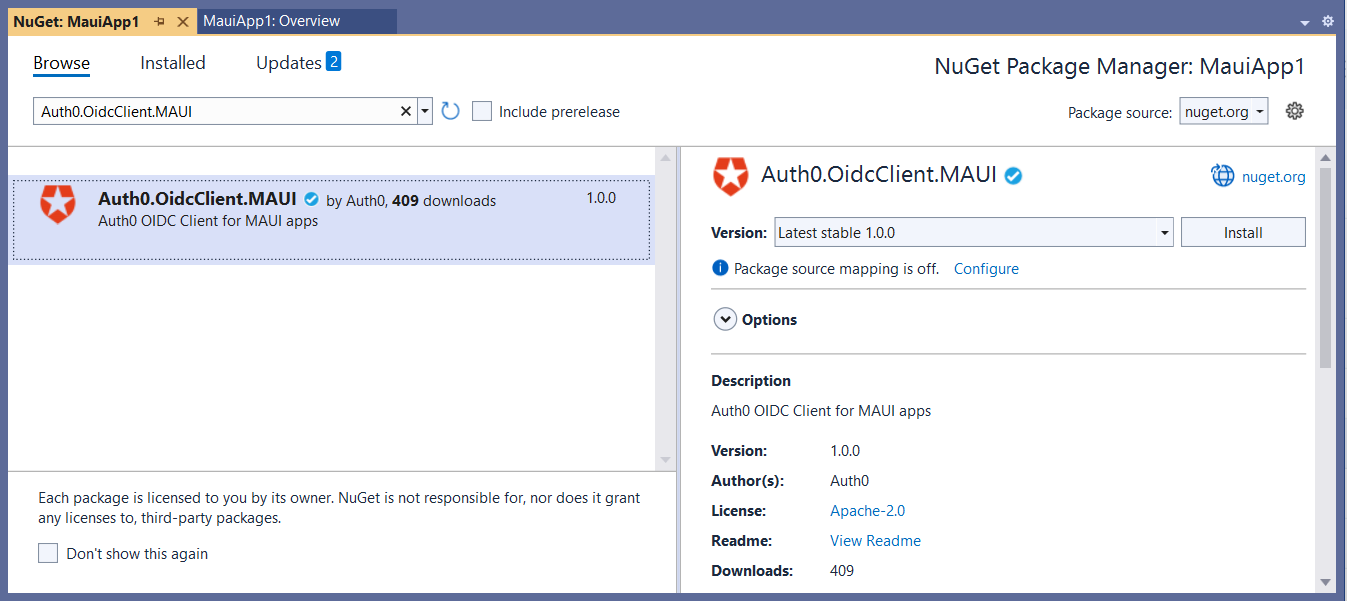
If you use Visual Studio, you can install it through the NuGet Package Manager, as shown in the following picture:
## Use the SDK
Using the SDK is pretty straightforward. The first thing to do is to register your application in the [Auth0 dashboard](https://manage.auth0.com/). If you don't have an Auth0 account, you can sign up for free.
In your MAUI project, create an instance of the `Auth0Client` class by providing the configuration parameters taken from the Auth0 dashboard, as shown in the following code snippet:
```csharp
var client = new Auth0Client(new Auth0ClientOptions()
{
Domain = "",
ClientId = "",
RedirectUri = "myapp://callback",
PostLogoutRedirectUri = "myapp://callback",
Scope = "openid"
});
```
Then, you can invoke the `LoginAsync()` method of the client instance to let the user log in:
```csharp
var loginResult = await client.LoginAsync();
```
On the other side, you can let the user log out by calling the `LogoutAsync()` method:
```csharp
await client.LogoutAsync();
```
## Learn More
Of course, the code shown above represents the very basic usage of the SDK, just to give you a high-level idea of how simple it is to use. In a concrete MAUI application, you must configure it to support the different target platforms and write additional code to handle more complex use cases.
For an example of how to use the MAUI SDK, look at our [.NET MAUI Quickstart](https://auth0.com/docs/quickstart/native/maui).
For a more elaborated tutorial, read [Add Authentication to .NET MAUI Apps with Auth0](https://auth0.com/blog/add-authentication-to-dotnet-maui-apps-with-auth0/). Finally, to learn how to use the MAUI SDK to get access tokens and call an API, check out [Call a Protected API from a .NET MAUI App](https://auth0.com/blog/call-protected-api-from-dotnet-maui-application/).
If you have any questions or comments about the MAUI SDK, leave a comment below.