---
title: "Why Laravel is the Recommended Framework for Secure, Mission-Critical Applications"
description: "Out of the box, Laravel ships with many features that make your applications ready for prime time. In this article, you will learn about these features."
authors:
- name: "Shahid Mansuri"
url: "https://auth0.com/blog/authors/shahid-mansuri/"
date: "Jun 28, 2018"
category: "Developers,Deep Dive,Laravel"
tags: ["laravel", "php", "application", "production-ready", "mission-critical", "framework", "sql-injection", "cookies", "cross-site-request-forgery", "cross-site-scripting"]
url: "https://auth0.com/blog/why-laravel-is-the-recommended-framework-for-secure-mission-critical-applications/"
---
# Why Laravel is the Recommended Framework for Secure, Mission-Critical Applications
**TL;DR:** Laravel makes your applications more secure by default, which makes it the recommended PHP framework for mission-critical applications. In this article, we will briefly address how Laravel can help you create mission-critical, production-ready applications.
## Introduction
For a mission-critical application, there are two levels of security that matters: application security and server security. [Laravel](https://laravel.com/) is a development framework and, as such, it won't make your server more secure, just your application.
Laravel features allow you to use everything securely. All the data is sanitized where needed unless you're using Laravel with raw queries. Then, you're on your own basically. The point is, Laravel gives you security for common vulnerabilities.
So, in this article, you will learn about the most important security features of Laravel.
## Protecting Laravel Applications from SQL Injection
Laravel protects you from [SQL injection](https://www.w3schools.com/sql/sql_injection.asp) as long as you're using the [Fluent Query Builder](https://laravel.com/docs/5.6/queries) or [Eloquent](https://laravel.com/docs/5.6/eloquent).
Laravel does this by making prepared statements which are going to escape any user input that may come in through your forms. If hackers add a new input to a form, they may try to insert a quote and then run their own custom SQL query to damage or read your application database. However, this won't work since you are using Eloquent. Eloquent is going to escape this SQL command and the invalid query will just be saved as text into the database.
The take away is: if you're using the Fluent Query Builder or Eloquent, your application is safe from SQL injections.
> [To learn more about SQL injection protection on Laravel check out this article](https://www.easylaravelbook.com/blog/how-laravel-5-prevents-sql-injection-cross-site-request-forgery-and-cross-site-scripting/).
## Protecting Cookies on Laravel Applications
Laravel will also protect your cookies. For that, you will need to [generate a new Application Key](http://laravel-recipes.com/recipes/283/generating-a-new-application-key). If it’s a new project, use the PHP artisan `key:generate` command.
For existing projects running on Laravel 3, you will need to switch to a text editor, then go to your application's `config` directory and open the `application.php` file. There, you will find the key under the _Application Key_ section.
On Laravel 5 and above, _Application Key_ is called _Encryption Key_. You can find this key in the `app.php` file that resides in the `config` folder.
The Application Key or Encryption Key uses encryption and cookie classes to generate secure encrypted strings and hashes. It is extremely important that this key remains secret and should not be shared with anyone. Also, make it about 32 characters of random gibberish so that nobody can guess it as Laravel uses this key to validate the cookie.
As mentioned above, Laravel auto-generates the Application Key; however, if required, you can edit it from the `application.php` file.
The cookie class uses the Application key to generate secure encrypted strings and hashes. Laravel will protect your cookies by using a hash and making sure that no one tampers with them.
## Cross-Site Request Forgery (CSRF) Protection on Laravel
To protect your application from a CSRF attack, Laravel uses the Form Classes Token method, which creates a unique token in a form. So, if you look at the source code of a target form, you will see a hidden form field called CSRF token.
``` html
```
The token makes sure that the request is coming from your application and not from somewhere else. With that token, you need to make sure that it's checking for a forged request. Laravel has CSRF-protection enabled by default.
Laravel adds a pre-defined CSRF filter in your app that looks like this:
```php
The command above sets all value at the same time, in one go.
For example, your application can have a user table and with a user_type field. This field can have values of: `user` or `admin`.
In this case, you don’t want your users to update this field manually. However, the above code could allow someone to inject a new `user_type` field. After that, they can switch their account to `admin`.
By adding to the code:
```php
$fillable = array('name', 'password', 'email');
```
You make sure only the above values are updatable with mass assignment.
To be able to update the `user_type` value, you need to explicitly set it on the model and save it, as shown here:
```php
$user->user_type = 'admin';
$user->save();
```
## Cross-Site Scripting Protection on Laravel
Laravel's `@{{}}` syntax will escape any HTML objects that are the part of a view variable. It’s a big-deal, considering that a malevolent user can authorize the subsequent string into a comment or user profile:
``` html
My list
```
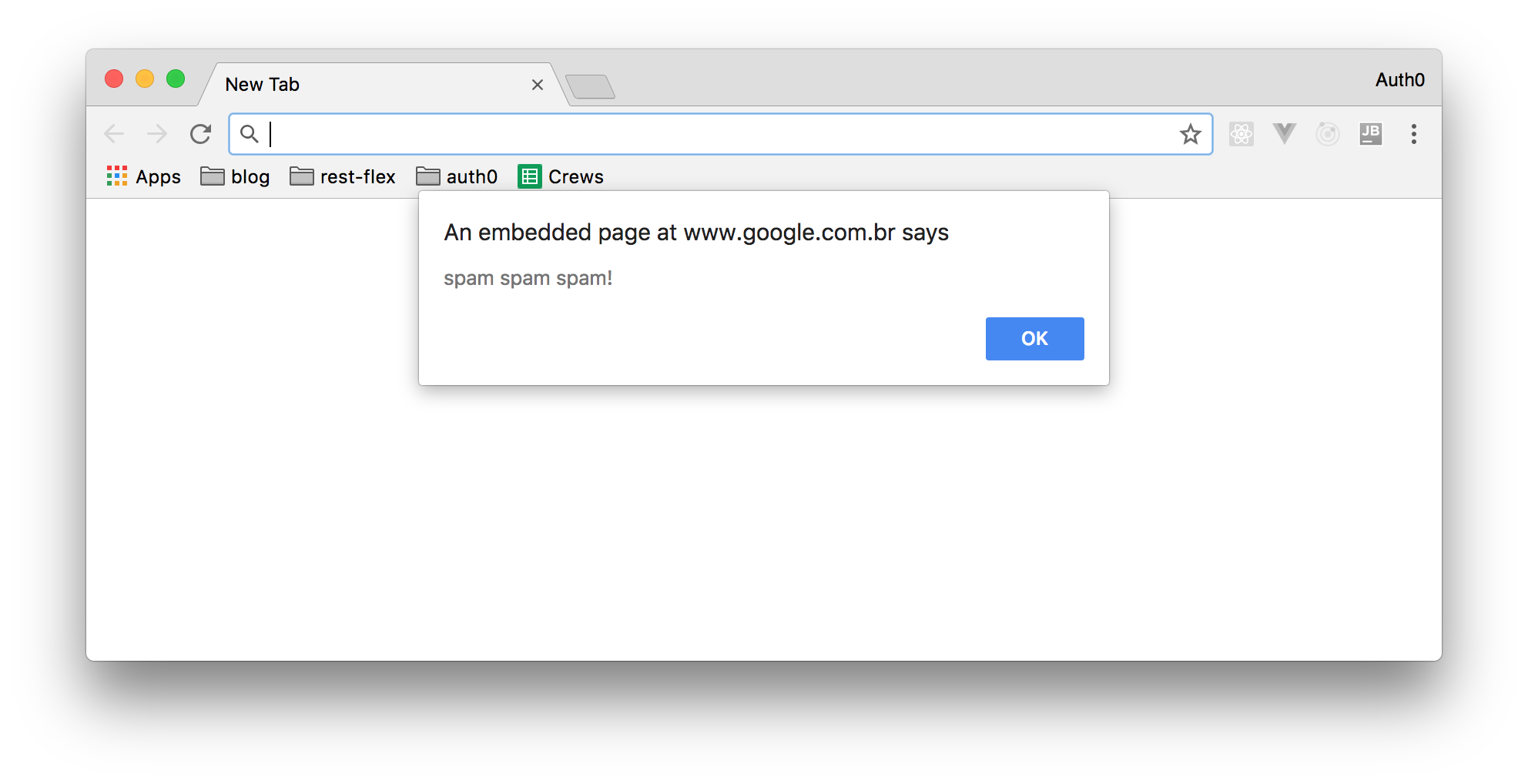
Without cross-site scripting protection, a view variable like the one above would be presented in a web page in the form of an annoying alert window, causing this form of attack called cross-site scripting. This may sound like a minor exasperation associated with more erudite attacks which might hasten the user to supply some bank information via a JavaScript model which are afterward sent to third-party websites.
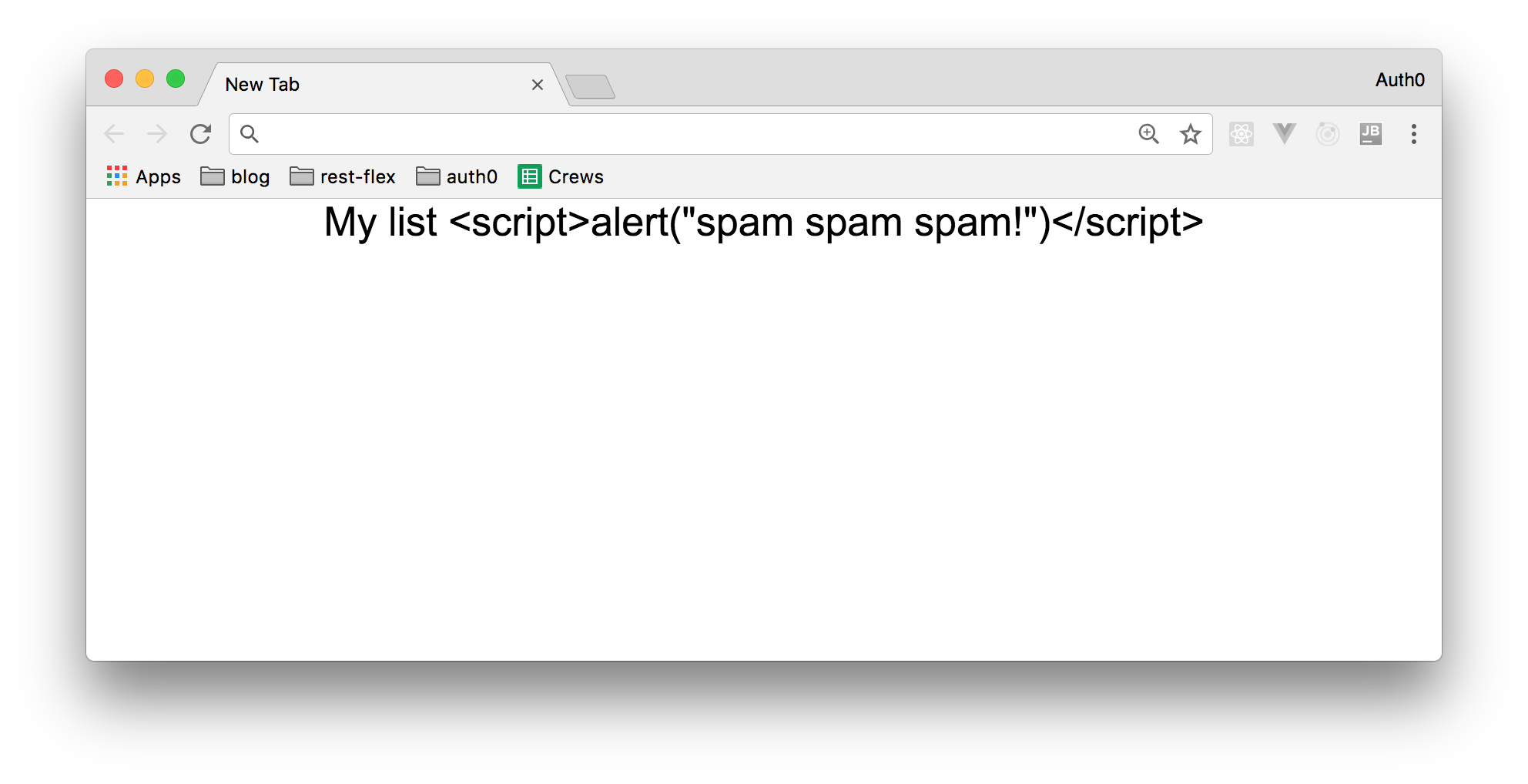
Fortunately, when a variable is rendered within the `@{{}}` escape tags, Laravel will render in its place a string as the following one:
``` html
My list <script>alert("spam spam spam!")</script>
```
This makes Laravel applications immune to this type of attack.
## Conclusion
As you may know, there are other things you must do to protect your mission-critical applications, such as disabling verbose error reporting to stop sensitive details about your application being made visible to a bad actor. Nevertheless, Laravel ensures a much more secure application by protecting again these common attack vectors, reducing the attack surface out-of-the-box.
Laravel is one of the reasons behind the renewed interest in the PHP developer community. Using a more secure base application and following the familiar model–view–controller (MVC) architectural pattern, it's popularity grew fast. As a free, open-source framework, created by [Taylor Otwell](https://twitter.com/taylorotwell) and based on Symfony, Laravel took over as the defacto framework within a few years of its introduction.