

Configure access token lifetime
-
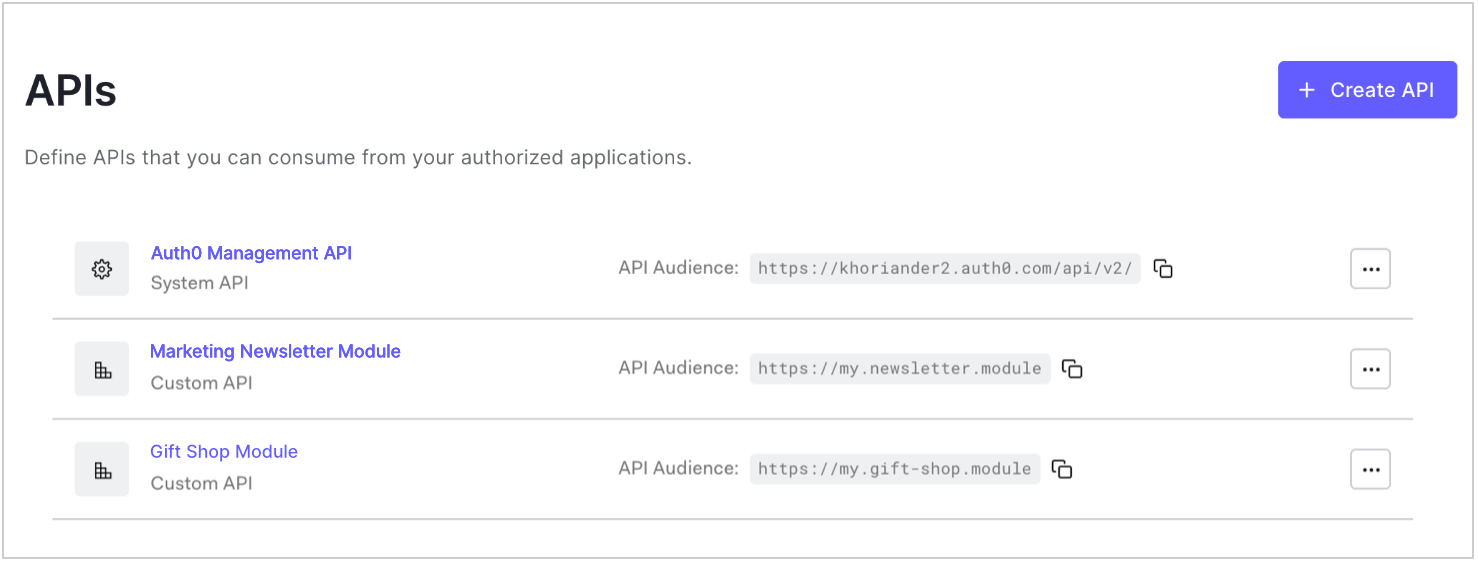
Go to Dashboard > Applications > APIs and select the name of the API to view.
-
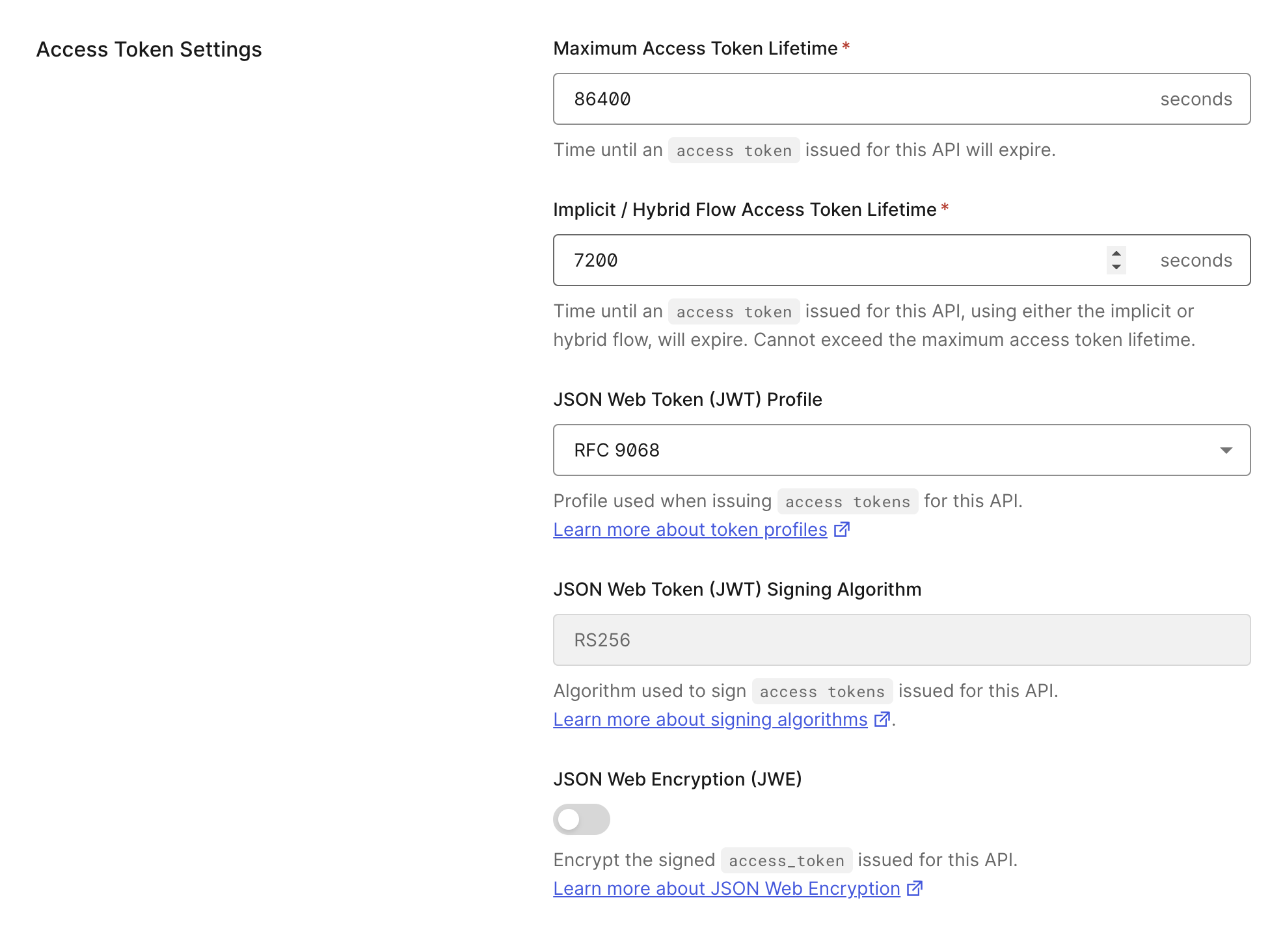
Locate the Maximum Access Token Lifetime field under Access Token Expiration.
-
Enter the desired lifetime (in seconds) for access tokens issued for this API.
- Default value is
86,400seconds (24 hours). - Maximum value is
2,592,000 seconds(30 days).
- Default value is
- Select Save Changes.
Token Expiration For Browser Flows
The Implicit / Hybrid Flow Access Token Lifetime field refers to access tokens issued for the API through implicit and hybrid flows and does not cover all flows initiated from browsers. For example, the PKCE flow (used inauth0-js-spa SDK) can be initiated from the browser, but it references the Token Expiration value, not the Implicit / Hybrid Flow Access Token Lifetime value.
Restricted lifetime for MFA access tokens
The lifetime of access tokens with the{yourAuth0Domain}/mfa are restricted to 600 seconds (10 minutes) for security reasons and cannot be modified.