

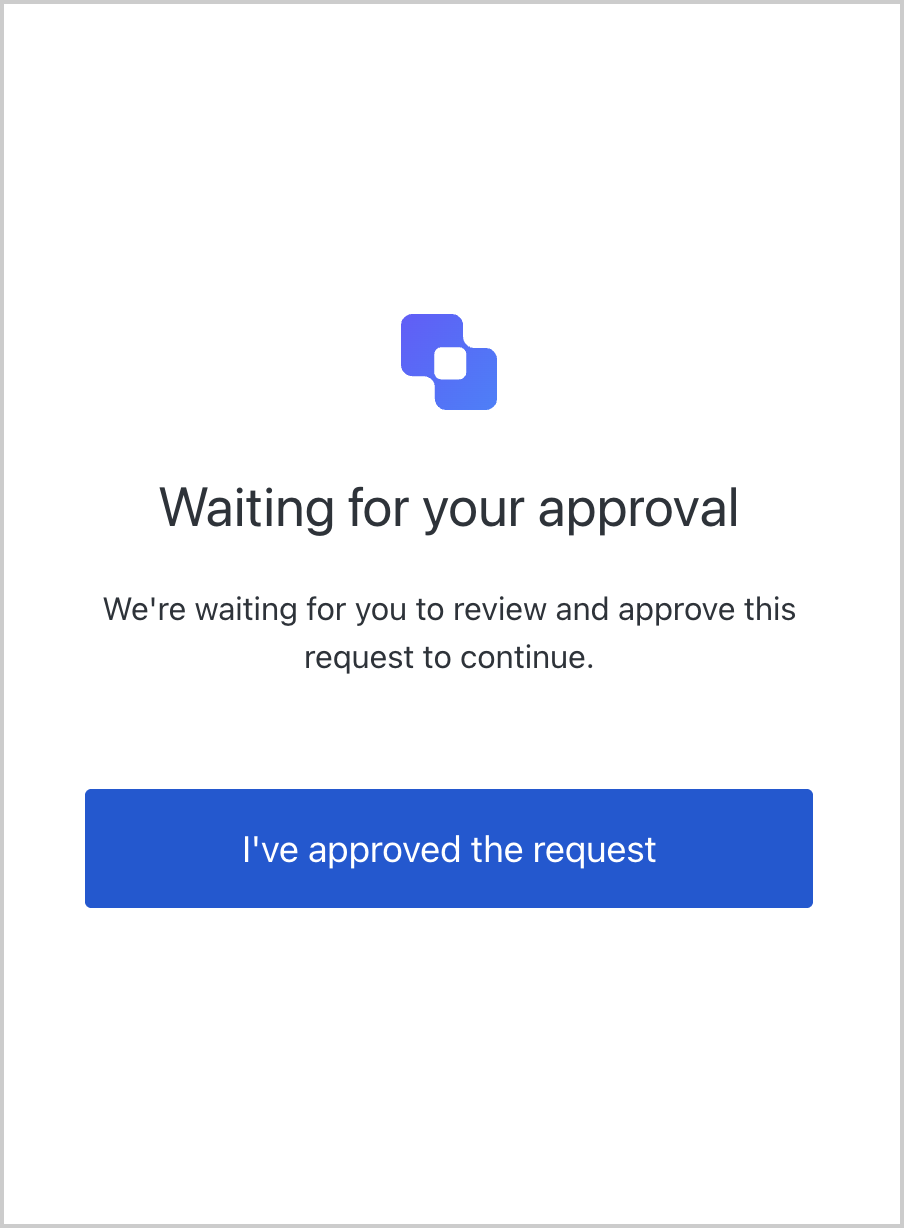
pending-consent screen is a waiting room displayed during Rich Authorization Requests (RAR) flows when no customized-consent prompt is configured. The user approves or denies the request off-browser through the My Account experience while this screen polls for the outcome. Once the consent is resolved, you continue the flow and Auth0 applies the result.
Import
Each screen has its own set of hooks and methods. The SDK supports partial import and root import for each screen.- Using partial import allows you to include only the code you need for your specific use case.
- Using root import allows you to load all screens from a single bundle, which is useful when you want a unified build to handle all possible screens.
Import Example
Context Hooks
Screen-scoped hooks that provide read-only access to Auth0 context data on thepending-consent screen. Import them from @auth0/auth0-acul-react/pending-consent.
() => BrandingMembers
This hook provides branding configurations, such as logo, colors, and theme settings displayed on the
pending-consent screen.Example
() => ClientMembers
This hook provides client-related configurations, such as
id, name, and logoUrl, for the pending-consent screen.Example
() => ExperimentMembers
This hook provides the active Experiment Center experiment for the
pending-consent screen, or null when no experiment is active (or the screen has not opted in via context_configuration).Example
() => OrganizationMembers
This hook provides information about the user’s Organization, such as
id and name. Returns null when no Organization context is present.Example
() => PromptMembers
This hook contains data about the current prompt in the authentication flow.
Example
() => ScreenMembers
This hook contains details specific to the
pending-consent screen, including its configuration and context.Example
() => TenantMembers
This hook contains data related to the tenant, such as
id and associated metadata.Example
() => TransactionMembers
This hook provides transaction-specific data for the
pending-consent screen, such as the transaction state and any errors.Example
() => UntrustedDataMembers
This hook handles untrusted data passed to the screen, such as prefilled parameters from URL query strings.
Example
() => UserMembers
This hook provides details of the active user, including
username, email, and available authentication methods.Example
This hook returns all methods and context available on the
pending-consent screen.Methods
Continues the flow after the user approves or denies the consent off-browser. Auth0 applies the outcome, so there are no separate accept or deny methods. If the consent is still pending, Auth0 renders this screen again.
Example
Common/Utility Hooks
Manages polling state for screens that wait on an out-of-band decision. On this screen, Polling stops after an error. Offer a manual fallback, such as a “Try again” button that calls
onCompleted runs when the user approves or denies the consent. Call continue() from it to advance the flow.Example
continue(), and hide the button while polling runs.