

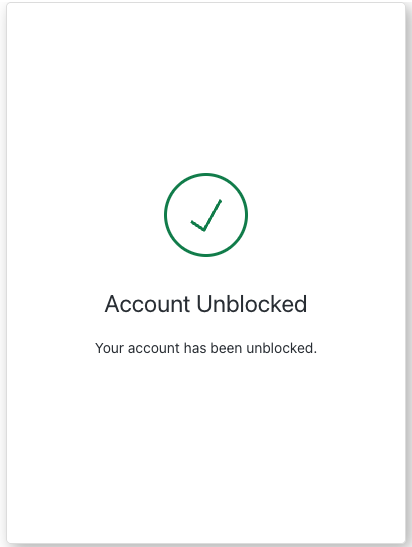
brute-force-protection-unblock-success screen functionality. This screen is displayed after a successful account unblock request submitted through brute force protection.
Constructors
Create an instance of BruteForceProtectionUnblockSuccess screen manager:Example
Properties
Provides branding-related configurations, such as branding theme and settings.
Provides client-related configurations, such as
id, name, and logoUrl, for the brute-force-protection-unblock-success screen.Provides country code data for phone number entry, such as
available and recommended, for the brute-force-protection-unblock-success screen.Provides information about the user’s Organization, such as
id and name.Contains data about the current prompt in the authentication flow.
Contains details specific to the
brute-force-protection-unblock-success screen, including its configuration and context.Contains data related to the tenant, such as
id and associated metadata.Provides transaction-specific data for the
brute-force-protection-unblock-success screen, such as active identifiers and flow states.Handles untrusted data passed to the SDK, such as user input during the account unblock flow.
Details of the active user, including
username, email, and roles.Methods
Promise<void>
This method changes the display language of the Universal Login page.Method Parameters
Example