

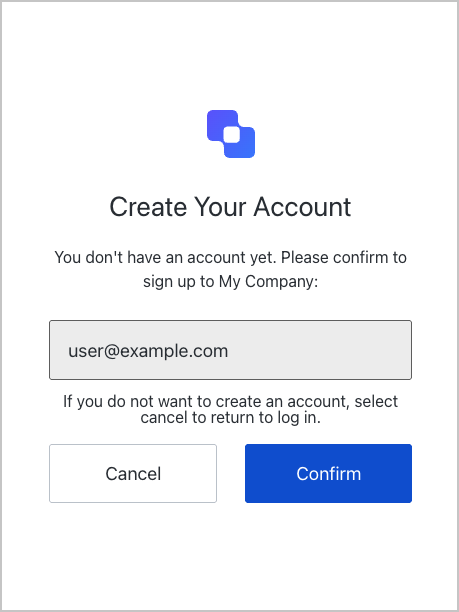
confirmation screen functionality. This screen is displayed after OTP verification when Auth0 detects an auto-signup opportunity, allowing the user to confirm or decline account creation.
Constructors
Create an instance of Confirmation screen manager:Example
Properties
Provides branding-related configurations, such as branding theme and settings.
Provides client-related configurations, such as
id, name, and logoUrl, for the confirmation screen.Provides country code data for phone number entry, such as
available and recommended, for the confirmation screen.The active Experiment Center experiment for this screen, or
null when no experiment is active (or the screen has not opted in via context_configuration).Provides information about the user’s Organization, such as
id and name.Contains data about the current prompt in the authentication flow.
Contains details specific to the
confirmation screen, including its configuration and context.Contains data related to the tenant, such as
id and associated metadata.Provides transaction-specific data for the
confirmation screen, such as active identifiers and flow states.Handles untrusted data passed to the SDK, such as user input during the confirmation flow.
Details of the active user, including
username, email, and roles.Methods
Promise<void>
This method confirms auto-signup, proceeding with account creation following OTP verification.
Example
Promise<void>
This method declines auto-signup, returning the user to the login screen without creating an account.
Example
Promise<void>
This method changes the display language of the Universal Login page.Method Parameters
Example