

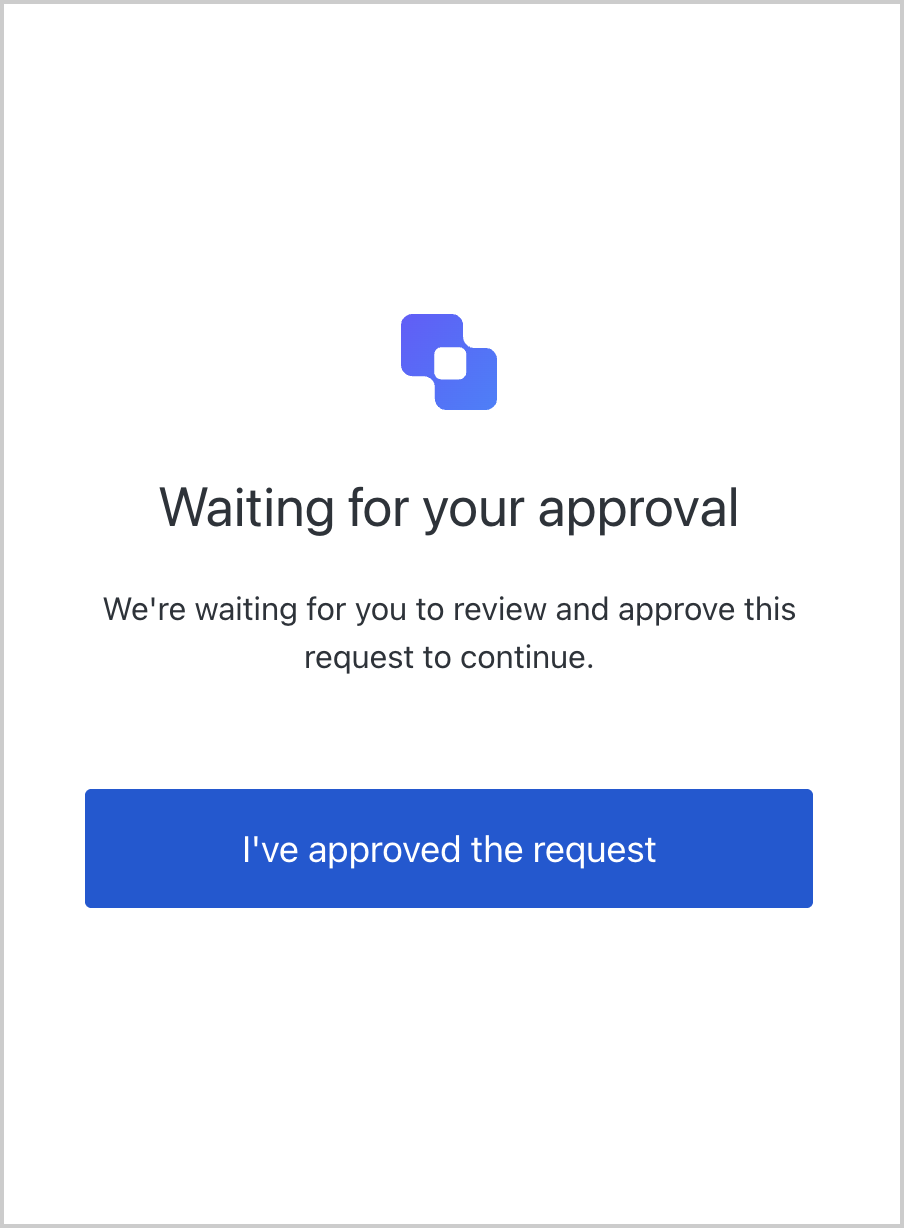
pending-consent screen functionality. This screen is a waiting room displayed during Rich Authorization Requests (RAR) flows when no customized-consent prompt is configured. The user approves or denies the request off-browser through the My Account experience while this screen polls for the outcome.
Constructors
Create an instance of PendingConsent screen manager:Example
pending-consent.
Properties
Provides branding-related configurations, such as branding theme and settings.
Provides client-related configurations, such as
id, name, and logoUrl, for the pending-consent screen.Provides country code data for phone number entry, such as
available and recommended, for the pending-consent screen.The active Experiment Center experiment for this screen, or
null when no experiment is active (or the screen has not opted in via context_configuration).Provides information about the user’s Organization, such as
id and name.Contains data about the current prompt in the authentication flow.
Contains details specific to the
pending-consent screen, including its configuration and context.Contains data related to the tenant, such as
id and associated metadata.Provides transaction-specific data for the
pending-consent screen, such as active identifiers and flow states.Handles untrusted data passed to the SDK, such as user input during the consent flow.
Details of the active user, including
username, email, and roles.Methods
Continues the flow after the user approves or denies the consent off-browser. Auth0 applies the outcome, so there are no separate accept or deny methods. If the consent is still pending, Auth0 renders this screen again.
Example
Starts and manages polling for the pending consent status. Polling checks the endpoint at the specified interval until the user approves or denies the consent, then calls Polling stops after a network error or a non-200 response other than 429. Offer a manual fallback, such as a “Try again” button that calls
onCompleted and stops. Call continue() from onCompleted to advance the flow. HTTP 429 responses are handled internally: polling waits for the rate limit to reset before retrying.Example
continue(), and hide the button while polling runs.Method Parameters