Cross App Access (XAA) for the Resource App is in Early Access. Enterprise, B2B Pro, and B2B Essential customers can use it as a feature of Enterprise Connections. You can also try it during the trial period on Free tenants. By using this feature, you agree to the applicable Free Trial terms in Okta’s Master Subscription Agreement.

Configure an Organization

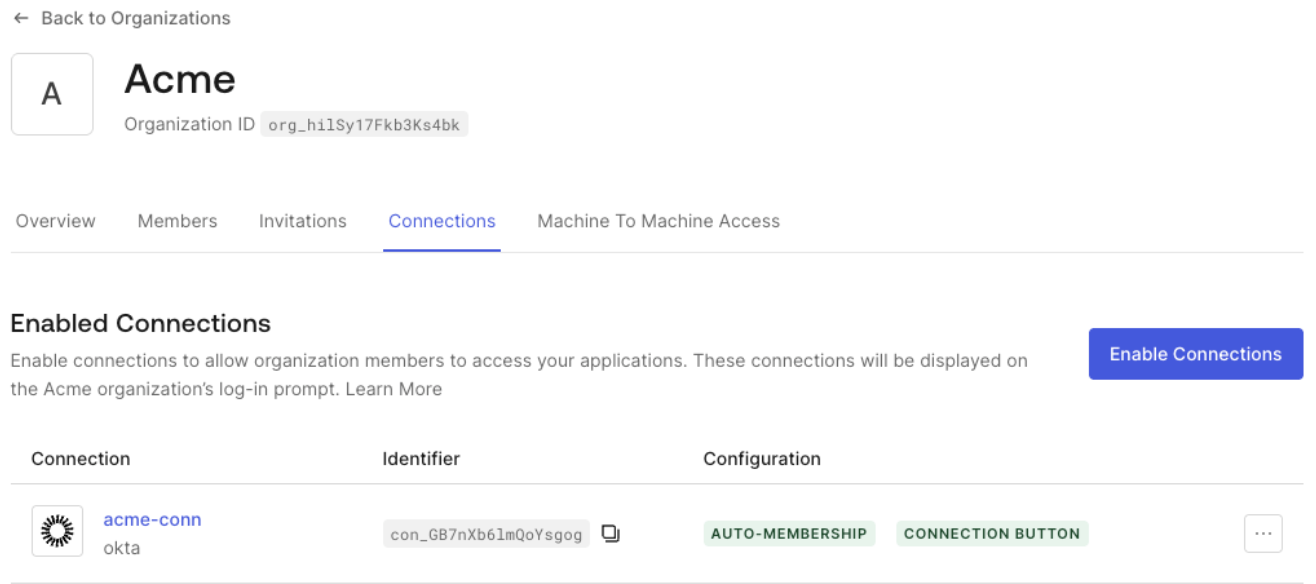
If you want an enterprise customer to use Organizations, create an Organization and enable the Enterprise connection you configured for XAA for that Organization. This automatically associates access tokens generated using XAA, in the scope of this connection, to the corresponding org_id if the target user is a member of the Organization.
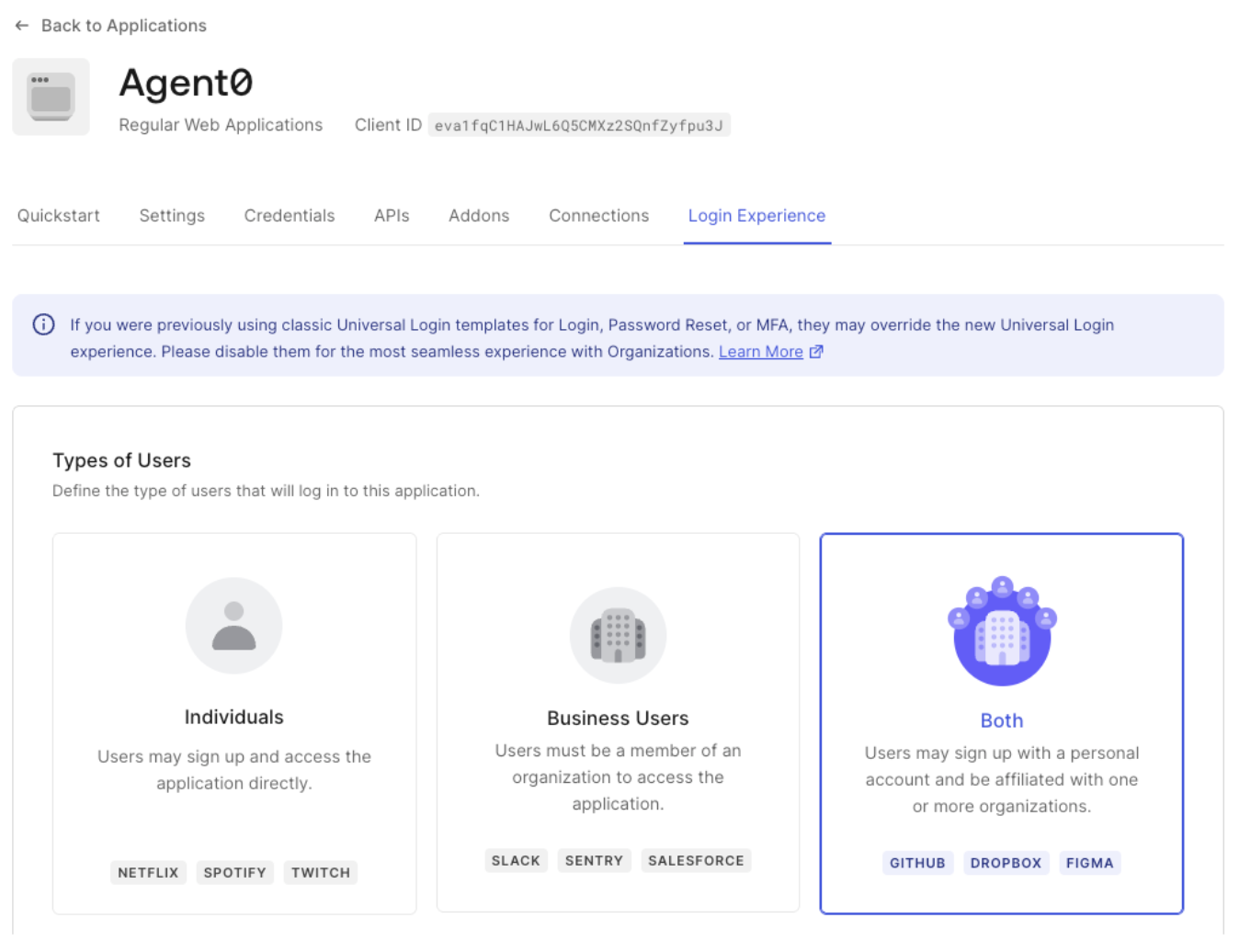
You can also configure the Requesting App’s Organization behavior to set whether it is required or allowed to use Organizations. We recommend that you start testing with Both, which allows users to log in as an Organization member or sign up with a personal account.
If the Requesting App is a third-party application, Enable Third-Party Application Access for an Organization.