
Custom Token Exchange (CTE) is currently available in Early Access for all Auth0 Enterprise and B2B Pro customers. By using this feature, you agree to the applicable Free Trial terms in Okta’s Master Subscription Agreement. To learn more about Auth0’s product release cycle, read Product Release Stages. To learn more about subscription types, review the Auth0 pricing page.
To protect against spoofing and replay attacks, which involve unauthorized attempts to compromise or reuse a subject_token, Custom Token Exchange supports Suspicious IP Throttling. This enables you to indicate in your Actions code when a subject token is invalid, allowing Auth0 to count the number of failed attempts sent from that external IP. When the number of failed attempts from an IP address reaches a pre-configured threshold, Auth0 blocks traffic for a Custom Token Exchange request coming from that IP with the following error:
HTTP/1.1 429 Too Many Requests
Content-Type: application/json
{
    "error": "too_many_attempts",
    "error_description": "We have detected suspicious login behavior and further attempts will be blocked. Please contact the administrator."
}
The IP address can start making requests again after a configured period of time. We recommend you use Suspicious IP Throttling for all Custom Token Exchange use cases, especially with native applications and single-page applications (SPAs). Because non-confidential applications like native applications and SPAs can’t securely store secrets to authenticate themselves, attackers can more easily re-use stolen or leaked subject tokens.
To implement Suspicious IP Throttling protection, use api.access.rejectInvalidSubjectToken in your Actions code whenever the received subject token does not pass strong validation.
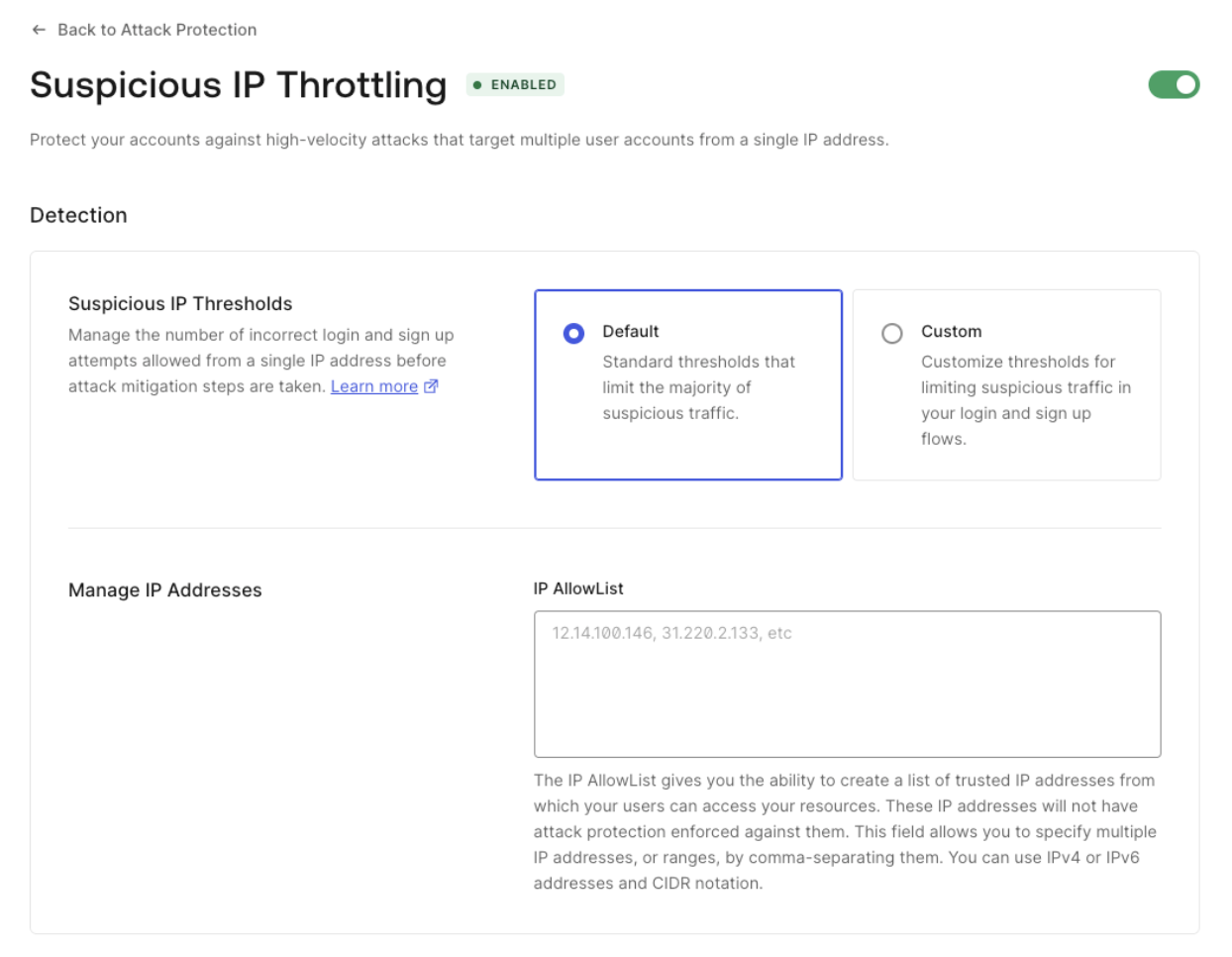
Suspicious IP Throttling is activated by default for Auth0 tenants. When activated, the default settings for Custom Token Exchange will be applied:
  • Threshold: 10. Maximum number of failed attempts for an IP address.
  • Throttling rate: 6 per hour. One additional attempt will become available after every 10 minutes until the threshold is refilled.
Configure Suspicious IP Throttling for Custom Token Exchange

You can configure a custom threshold and throttling rate for the Custom Token Exchange with the Management API. First, get a Management API token to consume the API. Then, make the following GET request to the Get Suspicious IP Throttling settings endpoint:
curl --location 'https://{yourDomain}/api/v2/attack-protection/suspicious-ip-throttling' \
--header 'Authorization: Bearer <YOUR_MANAGEMENT_API_TOKEN>' \
You will receive a response like the following:
{
  "enabled": true,
  "shields": [
    "admin_notification",
    "block"
  ],
  "allowlist": [],
  "stage": {
    "pre-login": {
      "max_attempts": 100,
      "rate": 864000
    },
    "pre-user-registration": {
      "max_attempts": 50,
      "rate": 1200
    },
    "pre-custom-token-exchange": {
      "max_attempts": 10,
      "rate": 600000
    }
  }
}
Use the following PATCH request to update the pre-custom-token-exchange stage with the needed values. Note that the rate is the interval of time in milliseconds at which new attempts are granted.
curl --location --request PATCH 'https://{yourDomain}/api/v2//attack-protection/suspicious-ip-throttling' \
--header 'Content-Type: application/json' \
--header 'Authorization: Bearer <YOUR_MANAGEMENT_API_TOKEN>' \
--data '{"stage":{"pre-custom-token-exchange":{"max_attempts":10,"rate":600000}}}'