

Before you start
You need:
- An Auth0 development tenant configured with Universal Login and a custom domain.
- An Auth0 First Party Application.
- Enable Identifier First Authentication in your Auth0 tenant.
- Node.js V22+
- The Auth0 CLI Tool authenticated to your existing tenant.
- To review the ACUL Quickstart guide
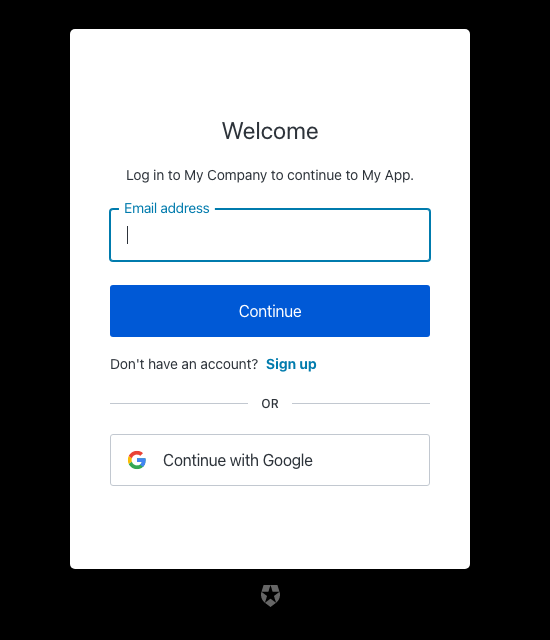
src/index.css directory.
- Use the Auth0 CLI tool to create an ACUL project with the screens to apply a new theme.
- Edit the CSS file
src/index.css.
CSS variables in the
@theme inline block are used by the base components.
CSS variables prefixed with --ul-theme- are set to the default Universal Login styling and are automatically overridden by the Branding theme set in your tenant at runtime. To learn more, read the src/utils/theme/themeEngine.ts file in your project’s directory.