

Before you start
You need:
- An Auth0 development tenant configured with Universal Login and a custom domain.
- An Auth0 First Party Application.
- Enable dentifier First + Biometrics in your Auth0 tenant.
- Node.js V22+
- The Auth0 CLI Tool authenticated to your existing tenant.
- To review the ACUL Quickstart guide
POST request to the login-password screen.
The POST request will detect if Identifier First + Biometrics has been enabled in your tenant and seamlessly redirect the user to the mfa-webauthn-platform-challenge screen.
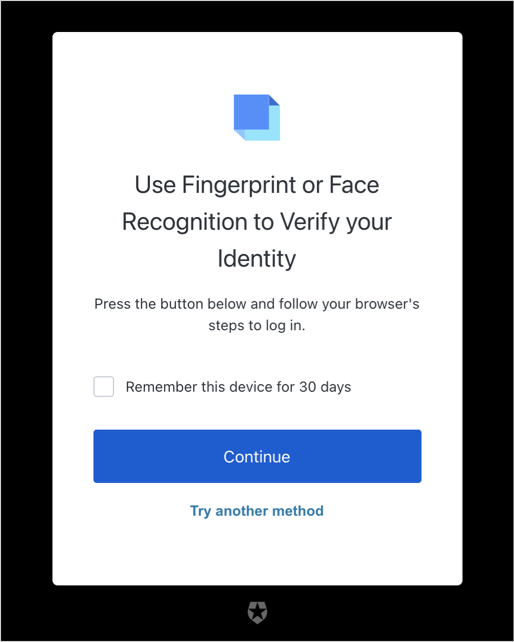
POST request has the following minimum requirements:
state: transaction state from the server (transaction.state)detect-browser-capabilitiesjs-availableis-bravewebauthn-availablewebauthn-platform-available
- Use the Auth0 CLI tool to create an ACUL project.
-
Select the
login-passwordscreen -
Add the
POSTrequest to thelogin-passwordscreen: