

Use Actions to extend Auth0:
- To learn more about Actions, read Understand How Auth0 Actions Work.
- To migrate, read Migrate from Rules to Actions.
console.log from within your rule code. You can see console.log output by using the Save and Try, viewing the logs available with the Actions Real-time Logs, or for legacy clients, using the Debug Rule CLI.
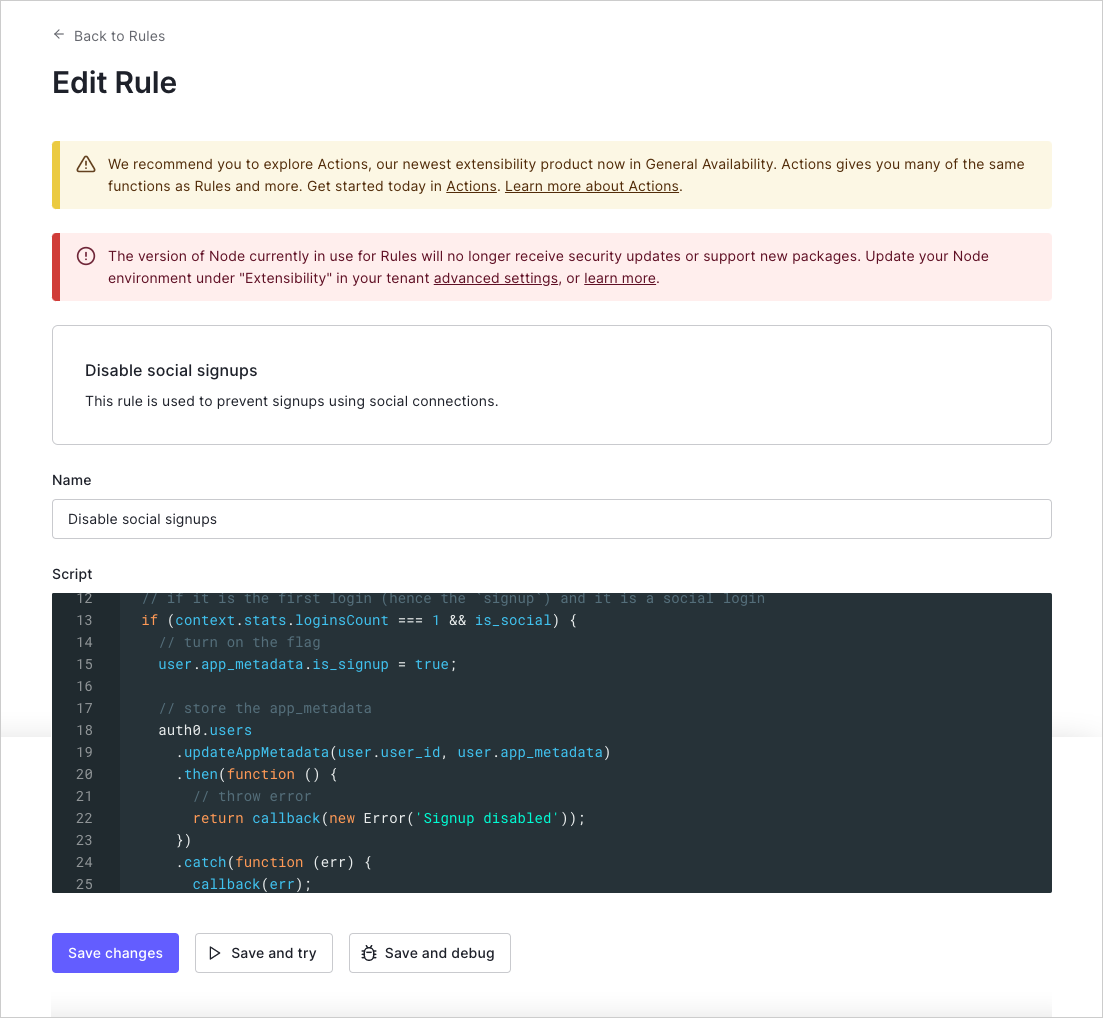
Try this Rule
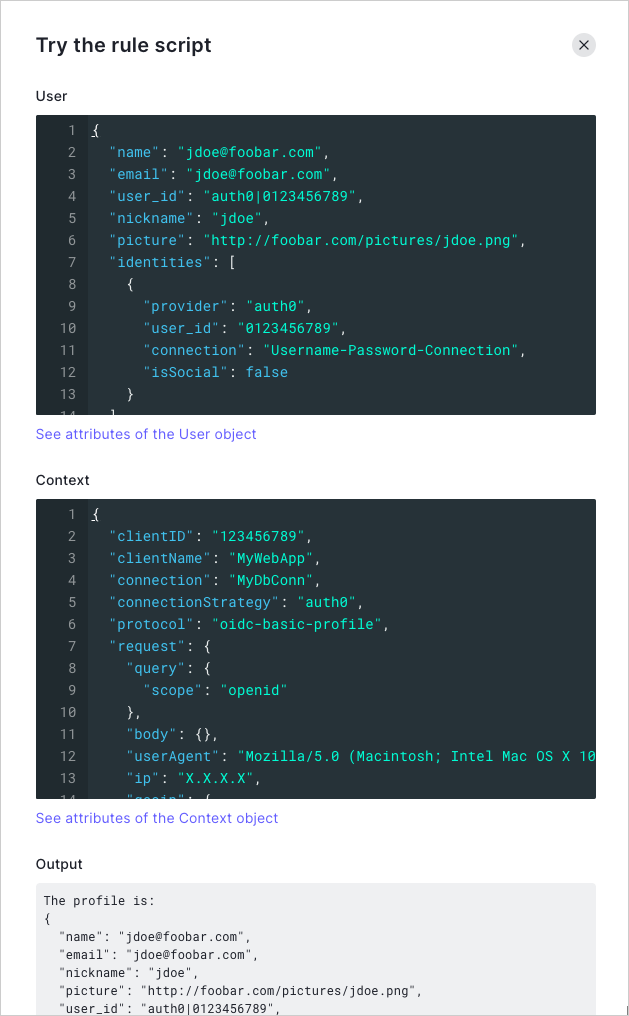
In the Rules Editor, the Save and Try button lets you run a Rule in isolation with mock user and context objects. Clicking TRY will run the Rule with those two objects as input and will display anyconsole.log output.
The Try this rule script feature functions outside a specific client context. When using this feature, you may run into issues if your Rule depends on data that would be provided when called from an actual application.
Actions Real-time Logs
The Actions Real-time Logs displays all logs in real-time for all custom code in your account, which includes allconsole.log output and exceptions. To learn more, read Actions Real-time Logs.