

If you have spun up a new project before, you know how great that feeling is. The possibilities feel endless. But then reality hits. You have to figure out your infrastructure, configure services, and most importantly, secure it.
Well, what if you and your agent could automate these steps and ship apps from your terminal in minutes?
At Auth0, our mission has always been to simplify identity and make authentication and authorization seamless. Providing an awesome developer and agent experience is also very important to us. Which is why, today, we are excited to share that Auth0 is a service option within the Stripe Projects developer preview.
The Stripe Projects Developer Preview
The Stripe Projects developer preview is a new workflow in the Stripe CLI that lets developers and their agents easily and quickly provision and manage services. Instead of manually navigating multiple dashboards, creating applications, and so much more time-consuming work, you can now configure and connect several different services, including Auth0, with a few simple commands.
How to Get Started with Stripe Projects and Auth0
Before you begin, you will need to:
- Have a Stripe account
- Install the Stripe CLI
- Install the Projects plugin
Next, run the following steps:
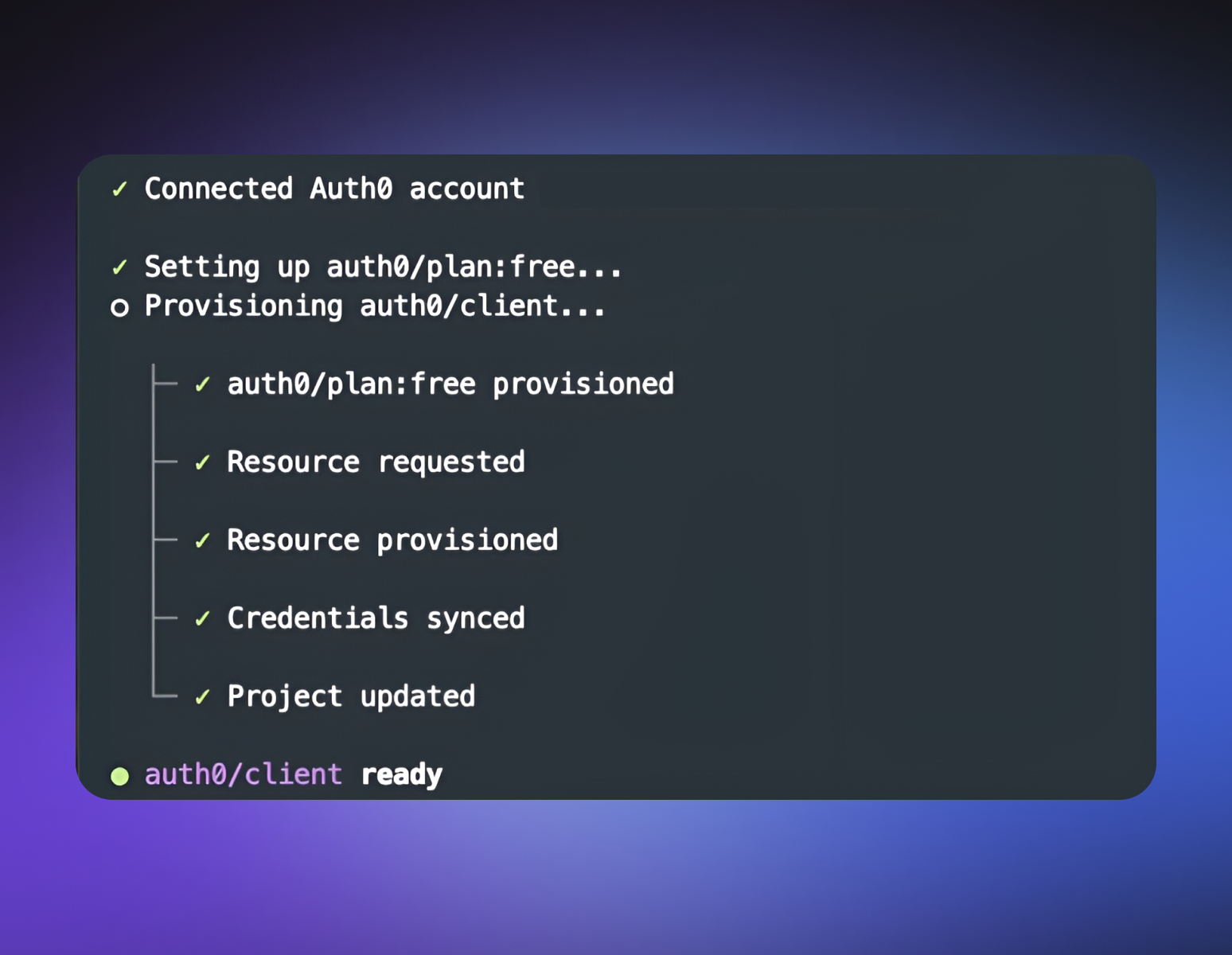
stripe projects init my-appstripe projects add auth0/client
Stripe Projects then provisions resources in your existing Auth0 account or creates a new one. Auth0 credentials are also returned to your environment or Stripe Secret Store in an agent-readable way.
To learn more about the Stripe Projects developer preview visit the website and docs.
We Would Love Your Feedback
This is just the beginning, and as part of the developer preview, your feedback is greatly appreciated! We want to know what you think, what you love, and what you want to see next. Join the conversation in our community forum.
We can’t wait to see what you and your agents build!