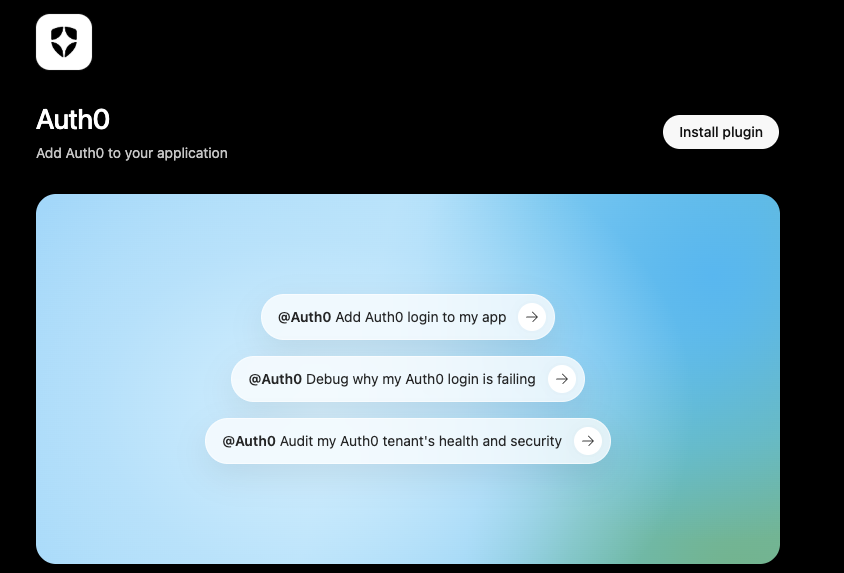
Do you know about the Auth0 plugin for ChatGPT? Now you can set up authentication, configure your tenant, generate integration code, and pull answers directly from the Auth0 docs without leaving the chat you are already working in.
Ask ChatGPT to:
- add login to the app you are building
- create a new application in your tenant
- check how a connection is configured
- write the SDK code to wire it all together
The Auth0 plugin does it against your real Auth0 account instead of handing you a generic snippet you will have to fix later.
Identity Is the Part AI Builders Hit Last
Here is the pattern we keep seeing. You can prompt your way to a working app in an afternoon. The UI comes together, the features work, and the demo looks great. Then someone asks "How do people actually log in?" and the momentum stops.
That is usually where identity gets bolted on. You leave your flow, dig through docs, copy config between tabs, and hope the auth setup matches what the rest of the app expects. It is the least fun part of building fast, and it is the part AI tools have mostly left alone unless you explicitly ask for it.
The shift happening now is that identity is moving into the same conversational workflow as everything else. As more of what ships starts as a prompt, the setup work behind that prompt should too. The Auth0 plugin for ChatGPT is us leaning into that shift.
Auth0 Works Without Leaving Your ChatGPT Session
Starting today, the Auth0 plugin connects ChatGPT Codex to your actual Auth0 tenant. Connect your account once, then describe what you need in plain language and the plugin does the work:
- Configure Auth0 by prompt. Create applications, set up connections, and adjust settings by describing the identity experience you want.
- Generate integration code. Get a real SDK setup that matches your tenant, not placeholder boilerplate that happens to compile.
- Query and manage your tenant. Ask about your applications, users, and configuration, and make changes without opening the dashboard.
- Answer Auth0 questions. Get accurate answers grounded in Auth0's documentation right in the conversation.
Watch It in Action
Here is a quick look at the Auth0 plugin working inside ChatGPT.
How to Use It
Getting started takes about a minute.
1. Find the Auth0 plugin in ChatGPT
Open ChatGPT, go to the plugins directory, and search for "Auth0."
2. Enable it and connect your account
Install the plugin, then connect your Auth0 account or create a free one. ChatGPT Codex walks you through the connection steps once you start prompting it.
3. Start prompting
Once you are connected, prompt your way through setup. Try something like:
Set up a new @Auth0 application for my web app and add login.
Why the Auth0 Plugin for ChatGPT Goes Further Than a Code Snippet
Plenty of tools can generate an auth snippet. What you get when you build with Auth0 is the part that matters after the demo: real sessions, protected routes, and the enterprise capabilities you will reach for once the product grows, like Organizations for B2B, Enterprise connections, and MFA that meets the bar security teams actually ask for.
Building on a real identity platform from the start means the enterprise deal that shows up in month three does not send you back to rebuild your auth layer. And if you are building agents, not just apps, the same foundation covers the harder identity problems ahead, from securing what an agent can access to managing identity for AI agents end to end.
Get Started With the Auth0 Plugin for ChatGPT
You can add the Auth0 plugin in ChatGPT today. Connect your account, describe what you need, and let it handle the setup.
If you do not already have an Auth0 account yet, create one for free.
Describing what you want and getting real identity infrastructure back, in the same chat, is the part that is new. Try it on your next build and see how much of your auth setup you can skip entirely.
About the author

Juan Cruz Martinez
Staff Developer Advocate