

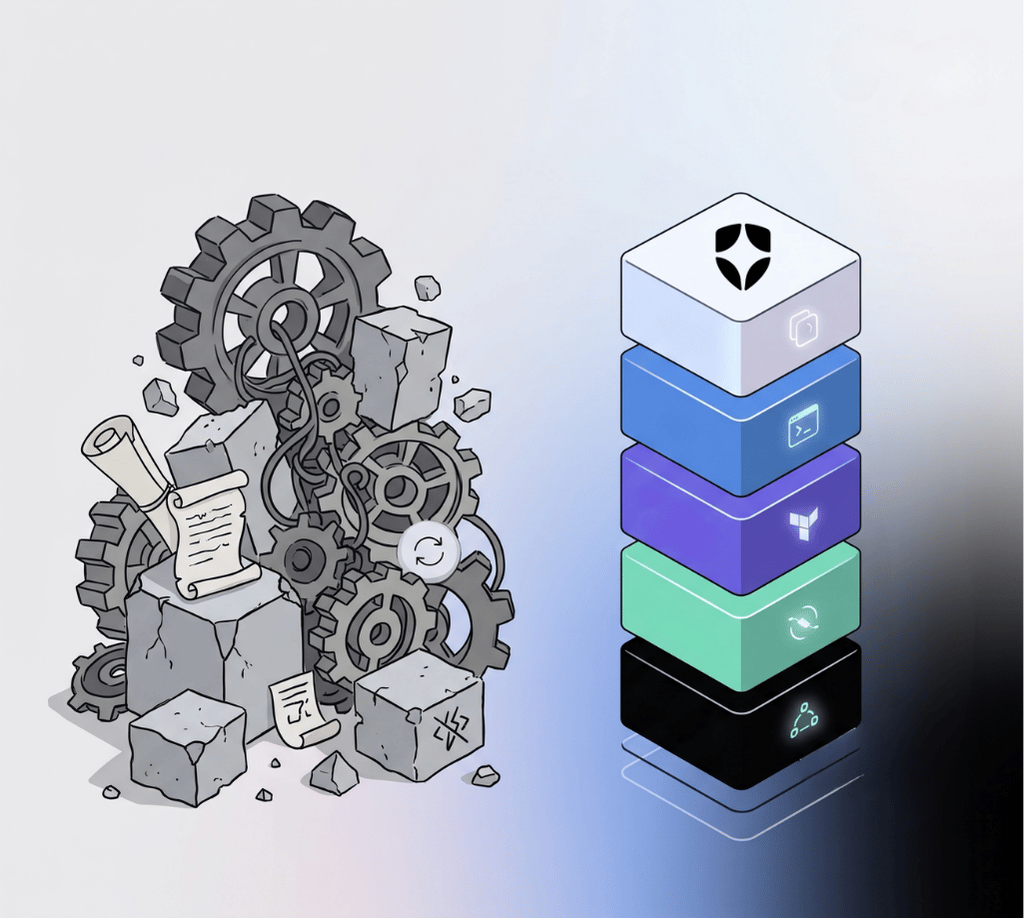
If your Auth0 integration looks like raw Management API calls, hand-rolled token refresh implementations, bash scripts to set up tenants, Terraform configs written from scratch, and instructions in your README that say "Go create this Application in the Dashboard," you are using Auth0 the hard way.
There is a complete developer toolchain built on top of the Auth0 API:
- SDKs
- CLI
- Terraform provider
- Agent skills Each layer eliminates a specific category of friction. Together, they cut the time to a production-grade integration from weeks to hours.
Here is what each one does, and what you are giving up by not using it.
Auth0 SDKs
The Auth0 SDKs exist because OAuth in the browser and on mobile is genuinely hard. Not conceptually hard, but operationally hard in ways that compound at scale.
Here is what you are maintaining without the SDK in a JavaScript SPA:
Token lifecycle:
- Silent token refresh with race condition handling across multiple tabs
- In-memory token storage (not localStorage because that is an XSS vector)
- Cross-tab auth state synchronization via broadcast channels
- HTTP interceptors that attach valid tokens to every API call and retry on 401
- Token caching with correct TTL (too short = 401s everywhere; too long = stale tokens)
Browser compatibility:
- Safari Intelligent Tracking Prevention (ITP) workarounds. Apple keeps capping cookie lifetimes and blocking iframe-based silent auth
- Chrome third-party cookie deprecation patches. Chromium blogs announce these months ahead; you have to be tracking them
- Firefox Enhanced Tracking Protection edge cases
Spec compliance:
- PKCE with correct entropy for code_verifier generation (subtle bugs here do not surface in testing)
- State parameter validation against CSRF on the callback
- Nonce handling for ID token replay protection
- OAuth 2.1 compliance as it moves from draft to RFC
Every browser privacy update, every spec clarification, every Auth0 platform change requires someone on your team to investigate it, understand its impact, patch your custom code, and deploy across every environment. Auth0 SDKs absorb that work. When Safari ITP changes behavior, an SDK version ships. When Chrome deprecates third-party cookies, an SDK version ships. When Auth0 adds DPoP support, it surfaces through the SDK.
Our conservative estimate: SDK adoption saves four to eight engineering months per year in avoided maintenance. That number grows as you add environments, languages, and applications.
The edge case scale problem
At the growth stage, edge cases in custom auth code have a user-impact multiplier. A subtle token refresh race condition that affects 0.1% of sessions is at:
- 10K Monthly Active Users (MAU): 10 affected sessions/day. Probably does not page anyone.
- 100K MAU: 100 sessions/day. Someone files a ticket.
- 1M MAU: 1,000 sessions/day. Your on-call team is fielding it.
- a5M MAU: 5,000 sessions/day. It is a P1 incident.
The Auth0 SPA SDK handles token management for thousands of production tenants across every scale. Those edge cases have been found, reproduced, and fixed in the library — not discovered by your team in production at midnight.
Platform capabilities that disappear without the SDK
The SDK is not just about maintenance. It is about what becomes available once you are on it.
Every Auth0 platform capability surfaces through the SDK as configuration. Without the SDK, each of these is a custom development project:
| Capability | With the SDK | Without the SDK |
|---|---|---|
| Refresh Token Rotation | Config flag | Custom rotation and revocation logic |
| Step-Up Authentication | acr_values param to getTokenSilently() | Custom MFA challenge and state management |
| Organizations | organization param at login | Custom multi-tenant routing |
| Passkeys (WebAuthn) | Automatic via Universal Login | Ground-up WebAuthn implementation |
| On-Behalf-Of Token Exchange | SDK + one API call | Custom delegation endpoint and token exchange |
| DPoP (sender-constrained tokens) | Future SDK release = automatic | RFC 9449 from scratch |
Auth0 ships roughly eight significant platform features per quarter. With the SDK, they arrive as configuration options or a version bump. Without the SDK, each one is an engineering project.
Get started: Pick your framework → React, Next.js, Vue, Angular, Express, Python, iOS, Android. We estimate migration from custom OAuth is typically one to two sprints and the net code delta is negative — you delete more than you add.
Auth0 CLI
The Auth0 CLI is the fastest path from zero to a working tenant configuration. And for teams running multiple environments, it is the only path that does not require you to maintain a click-by-click setup guide.
What it does:
# Authenticate
auth0 login

# Create an application
auth0 apps create --name "My App" --type spa --callbacks "http://localhost:3000"

# Test your login flow end-to-end from the terminal
auth0 test login

# Debug auth events in real time
auth0 logs tail

# Create API resource server with scopes
auth0 apis create --name "My API" --identifier "https://api.example.com"

# Manage users, roles, actions, connections — from your terminal
auth0 users create
auth0 roles create
auth0 actions create
This is not just convenient. It is the difference between a setup process you document in a README and one you reproduce in a Makefile. Every engineer on your team can run make dev-setup and get a configured tenant in minutes. New environment? Same command. Recreating from scratch after an incident? Same command.
Debugging that actually works
Dashboard logs are paginated and filtered by default. auth0 logs tail shows you everything: every authentication event, token exchange, and policy evaluation, as it happens in your terminal,while coding. This is the fastest way to understand what Auth0 is doing during development and completely invisible if you are not using the CLI.
CI/CD-native by design
# In your CI pipeline, using client credentials
export AUTH0_DOMAIN=your-tenant.auth0.com
export AUTH0_CLIENT_ID=your-client-id
export AUTH0_CLIENT_SECRET=your-client-secret

# Deploy Actions
auth0 actions deploy

# Promote configuration across environments
auth0 apps update $APP_ID --callbacks "https://staging.example.com"
Every resource the CLI manages is scriptable so you can build promotion pipelines without the Dashboard.
Install the Auth0 CLI: brew install auth0/auth0-cli/auth0 or via the install guide
Terraform
If your team uses Terraform for everything else and manages Auth0 through the Dashboard, you have a gap in your Infrastructure-as-Code story. Auth0 configuration, meaning Applications, connections, Actions, Organizations, roles, branding, and email templates, is production infrastructure. It should be in source control, reviewed in pull requests, and deployed like every other infrastructure change.
The Auth0 Terraform provider covers 60+ resource types:
# Your entire Auth0 tenant in code
resource "auth0_client" "my_spa" {
  name     = "My SPA"
  app_type = "spa"
  callbacks = ["https://app.example.com/callback"]

  refresh_token {
    rotation_type   = "rotating"
    expiration_type = "expiring"
    token_lifetime  = 2592000
  }
}

resource "auth0_resource_server" "my_api" {
  name       = "My API"
  identifier = "https://api.example.com"

  scopes {
    value       = "read:data"
    description = "Read data"
  }
}

resource "auth0_action" "post_login" {
  name    = "Post Login Enrichment"
  runtime = "node18"
  deploy  = true

  code = file("${path.module}/actions/post-login.js")

  trigger {
    id      = "post-login"
    version = "v3"
  }
}

resource "auth0_tenant" "main" {
  friendly_name = "My App"
  support_email = "support@example.com"

  flags {
    universal_login = true
  }
}
What Terraform makes possible:
- Environment parity by default:
dev.tf,staging.tf,prod.tfapply the same configuration everywhere. No more "it works in staging because someone manually added that connection." - Code review for configuration changes: A PR that adds an Action or modifies a connection goes through the same review process as application code. Reviewers can see exactly what is changing.
- Rollback: Revert a
terraform applywithgit revert. Dashboard changes are permanent until you manually undo them. - Audit trail: Your VCS history is your change log. Every configuration change has an author, a timestamp, and a reason (in the commit message).
- Multi-tenant management: Manage dev/staging/prod tenants from a single Terraform workspace with variable substitution. Here the value add is acting as a one configuration blueprint across multiple environment instances.
Solving the drift problem
The Terraform provider gives you a path back: terraform plan shows you the drift before it causes damage. Treat Dashboard as read-only in production, and Terraform as the only write path.
Get started: Terraform Provider Quickstart configured with auth0/auth0, compatible with Terraform >= 1.5.0
Auth0 Agent Skills
If you are using an AI coding assistant (Claude Code, Cursor, or GitHub Copilot) there is one more layer worth knowing about.
Auth0 Agent Skills are structured, framework-specific instructions that tell AI assistants exactly how to implement Auth0 correctly. Install once, and every time you ask your AI to "add auth" or "protect this route," it does it right — using the correct SDK, flow, and security practices.
Without using skills, the AI uses whatever it learned during training. Auth0 APIs and best practices evolve; training data does not. The code you get might work, but it probably does not handle token rotation, might use deprecated APIs, and almost certainly skips the edge cases that matter in production.
With using a skill:
# Install the Auth0 skills plugin
npx skills add auth0/agent-skills

# Or in Claude Code
/plugin install auth0@claude-plugins-official
Then ask in your coding session: "Add Auth0 authentication to this Next.js app"
The skill loads the exact implementation guide for @auth0/nextjs-auth0: the correct Provider setup, middleware configuration, protected route patterns, and server-side session handling. Not a generic OAuth explanation — the specific, current, and tested pattern for that framework.
41 frameworks and features are covered: React, Next.js, Vue, Angular, Express, Fastify, Python, Go, Java, Swift, Android, React Native, and more. Feature skills for MFA, passkeys, ACUL screen generation, custom domains, branding, and CLI usage.
Available on: Claude Code (official marketplace), Cursor, GitHub Copilot, and Codex.
Install: auth0/agent-skills on GitHub or via Claude Code: /plugin install auth0@claude-plugins-official
The Benefits of Using the Auth0 Toolchain
Using a Raw API, an SDK, CLI, Terraform, or Agent Skills is not a linear path. They work together:
| Workflow | Without the toolchain | With the toolchain |
|---|---|---|
| Set up a new dev environment | 45 min of Dashboard clicking | auth0 login && make setup (2 min) |
| Add auth to a new service | Custom OAuth implementation (one to two sprints) | SDK quickstart + agent skill (one to two hours) |
| Promote config from dev to staging | Manual | terraform apply -var-file=staging.tfvars |
| Debug a login failure | Paginated Dashboard log | auth0 logs tail (live in terminal) |
| Onboard a new engineer | "Follow this 12-step Dashboard guide" | git clone && make dev-setup |
| Adopt a new Auth0 feature | Custom development per feature | SDK version bump or config flag |
| Audit configuration changes | Who knows | Git log for Terraform configs |
| Roll back a breaking config change | Manual re-configuration | git revert && terraform apply |
Every row in that table is a category of engineering time. The toolchain eliminates most of it.
How to Start
You do not need to adopt everything at once. Pick the layer that addresses your biggest current pain:
- Wasting time on token management bugs? Start with the SDK. Pick your framework quickstart.
- Spending hours clicking through the Dashboard to set up environments? Install the CLI.
brew install auth0/auth0-cli/auth0→auth0 login. - *Auth0 config not in source control, changes not reviewable? Add the Terraform provider. Quickstart on the Terraform Registry.
- Using an AI coding assistant? Install the agent skills. In Claude Code use
/plugin install auth0@claude-plugins-official. Everywhere else usenpx skills add auth0/agent-skills.
Each layer pays for itself. Together, they make Auth0 work the way your development workflow already works — in code, in your terminal, reviewable, reproducible, and fast.
If you are not sure where to start or have a complex existing integration to migrate, talk to the Auth0 developer experience team. We do this analysis regularly and can map a path from where you are to where you want to be.