September 18, 2026
Version 202609updated
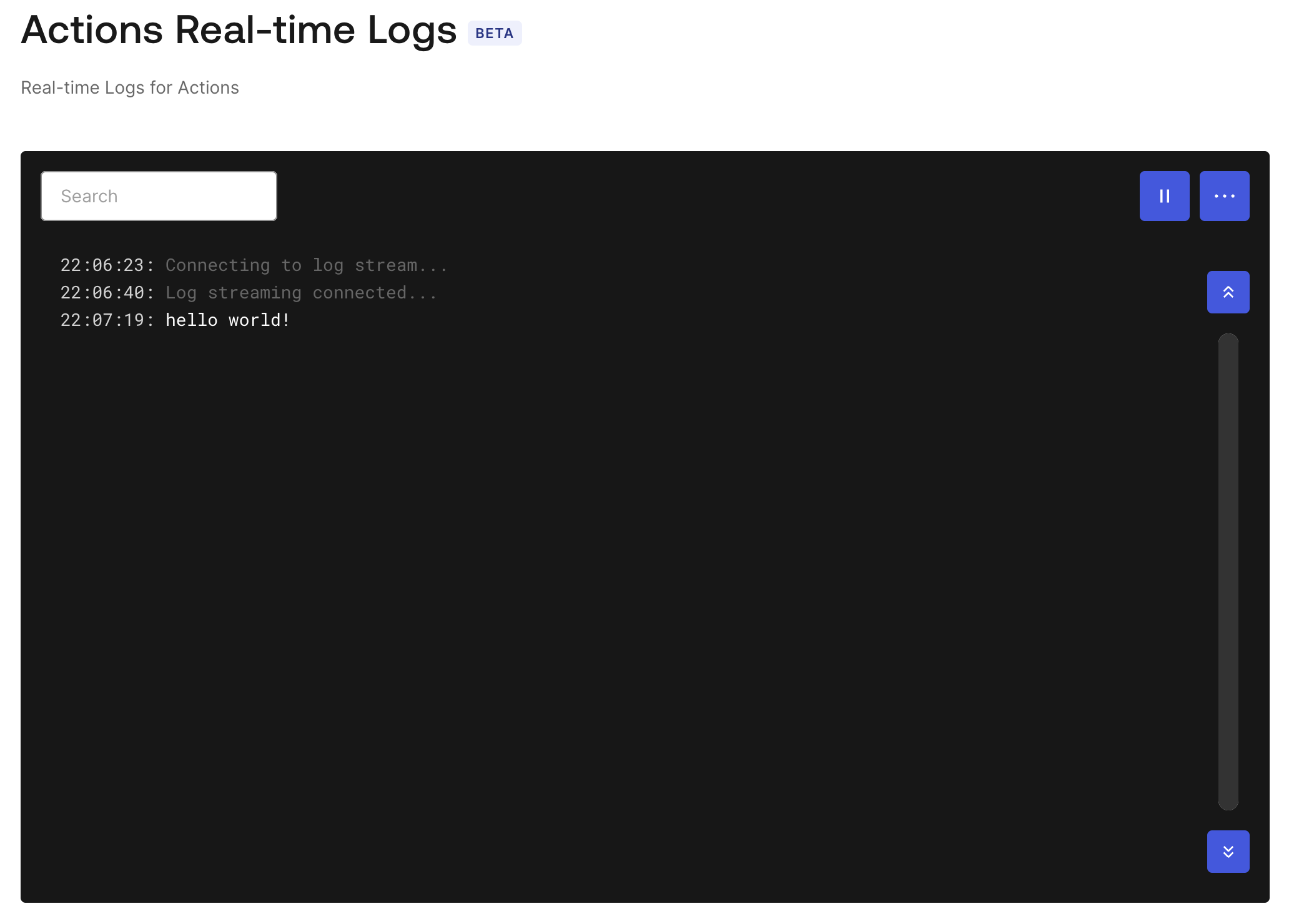
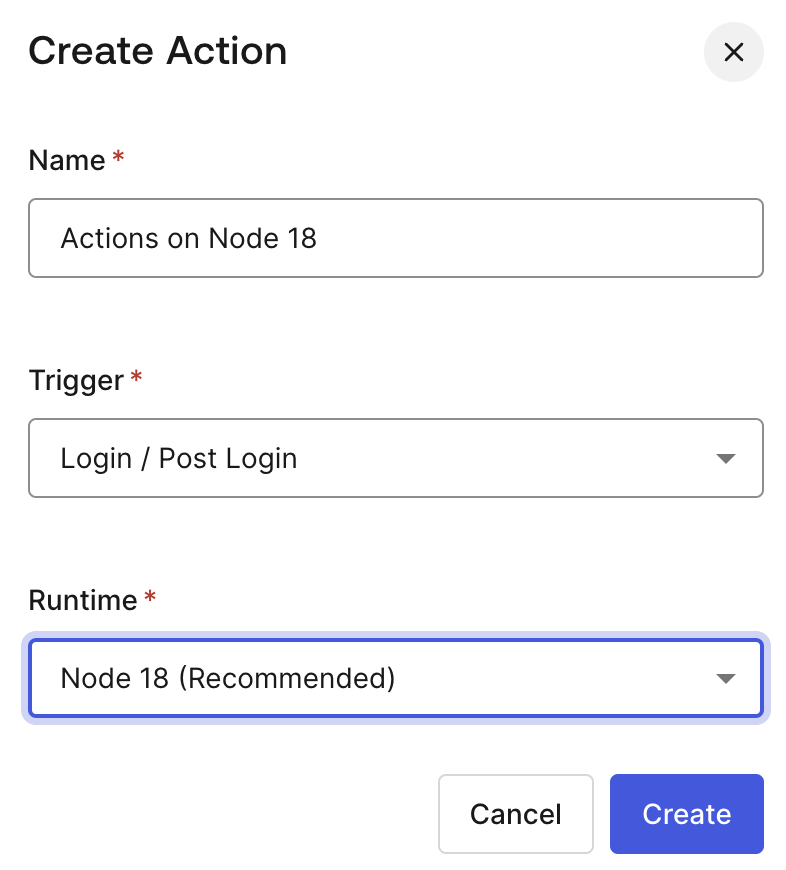
We are excited to announce that Actions Modules is now available in General Availability.
This feature allows you to create, manage, and share reusable code across different Actions within your Auth0 Tenant.
Key Highlights
- Simplified Code Management: Reduce code duplication and improve organization by writing common logic once and importing it into any Action where it is needed. This makes your Actions easier to maintain and update.
- Cross-trigger Access: Reuse custom functions across multiple Actions and Triggers.
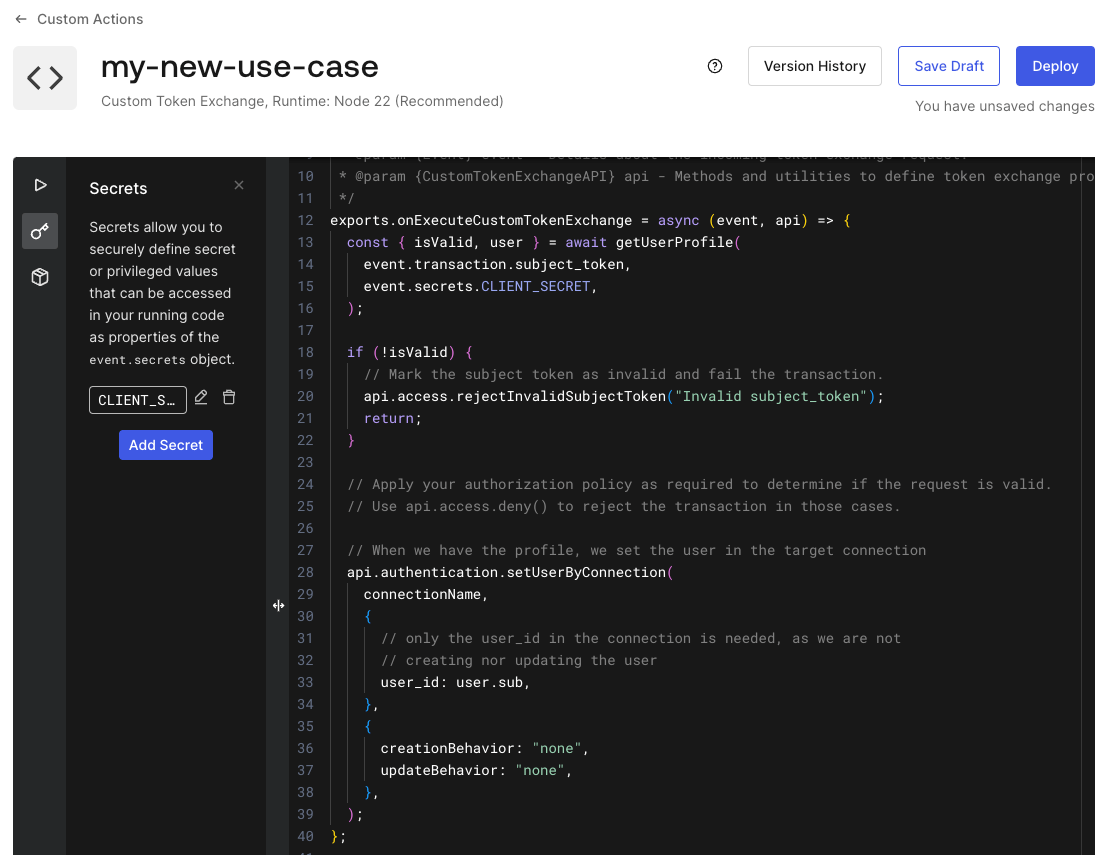
- Independent Secrets and Dependencies: Define independent secrets and dependencies for each Action Module.
- Improved Performance: Move expensive initialization work into a module that can be reused across multiple Actions. This avoids re-running the same setup code in every execution.
- Unit Testing: Write unit tests using helpers available at @auth0/actions.
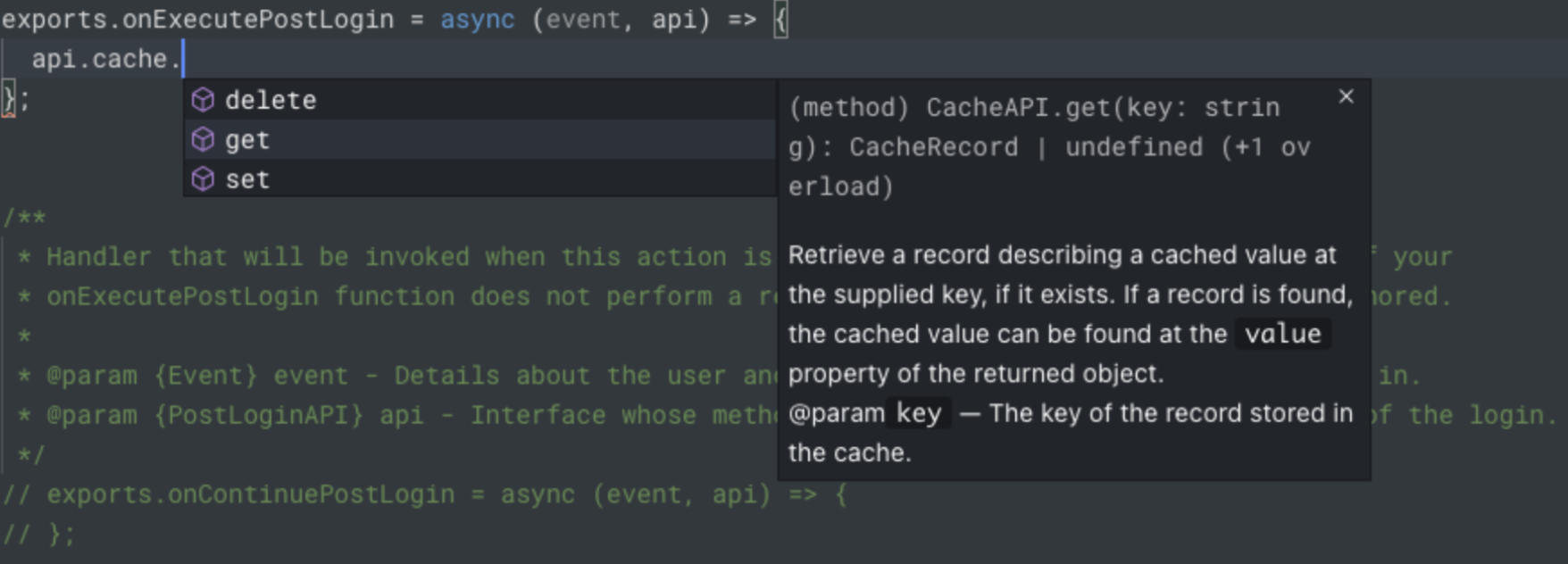
- IntelliSense: Get autocompletion and type hints in your code editor when writing Actions that use your Action Modules, either in the Auth0 Dashboard or in your own editor using @auth0/actions.

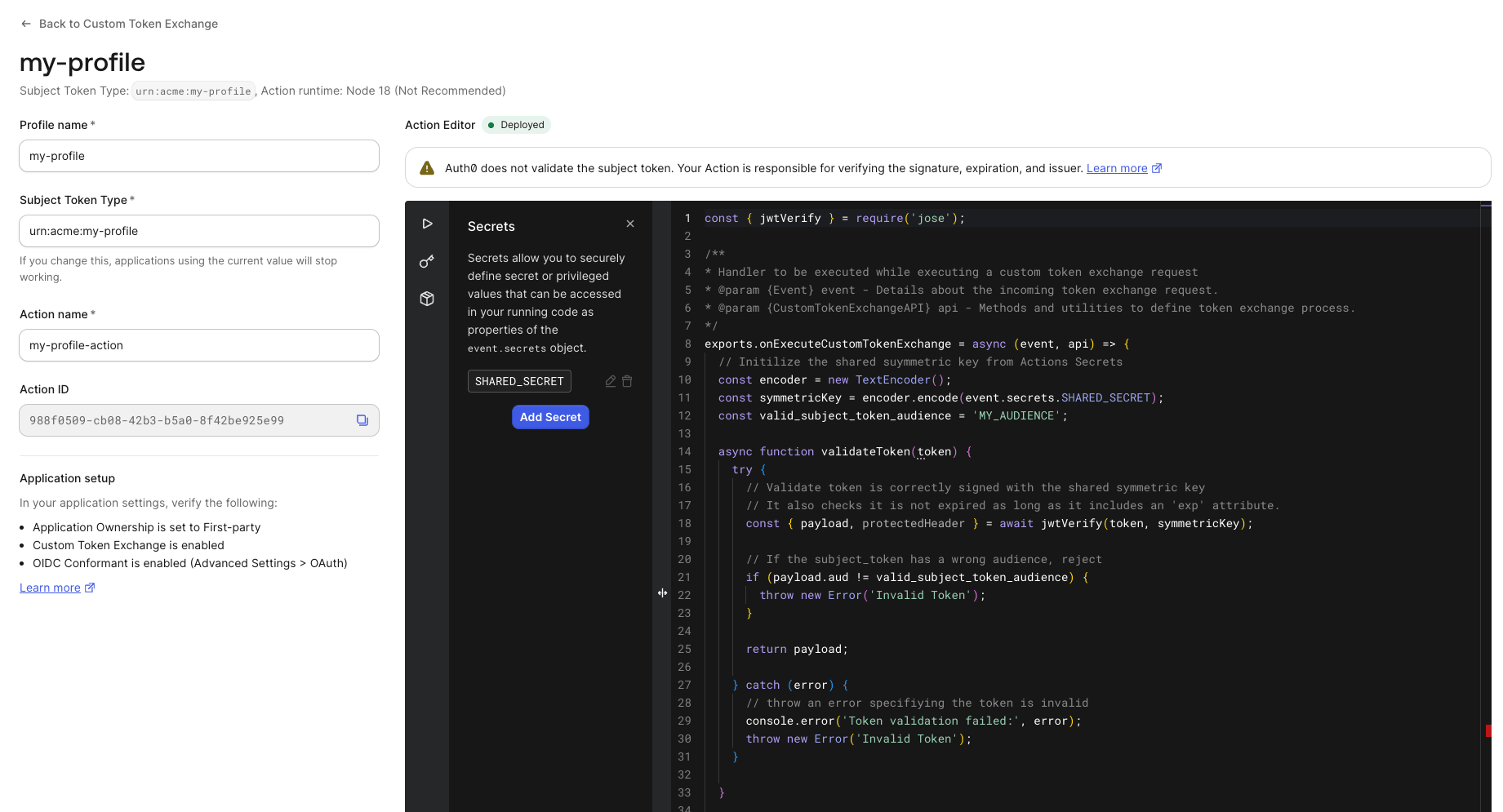














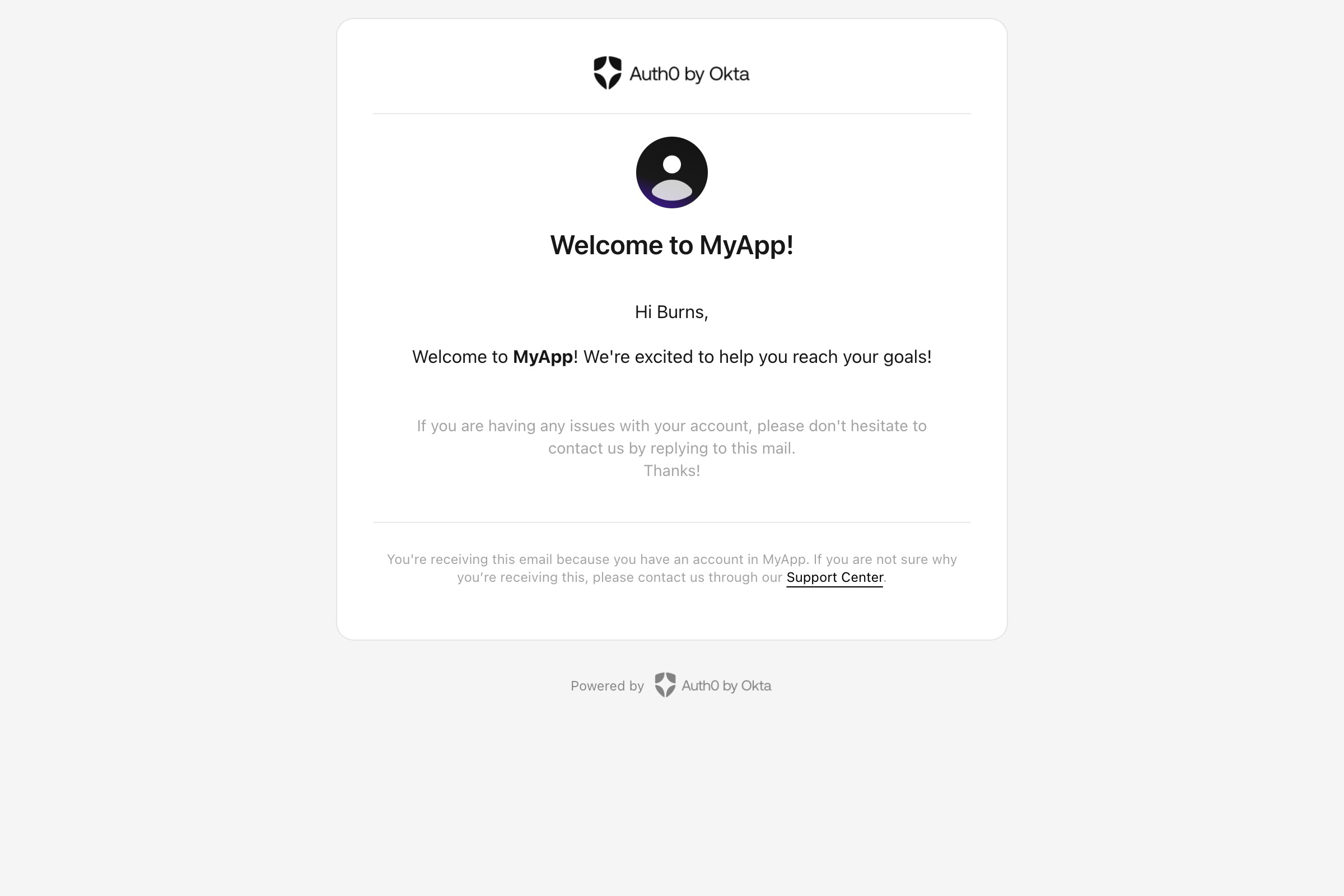




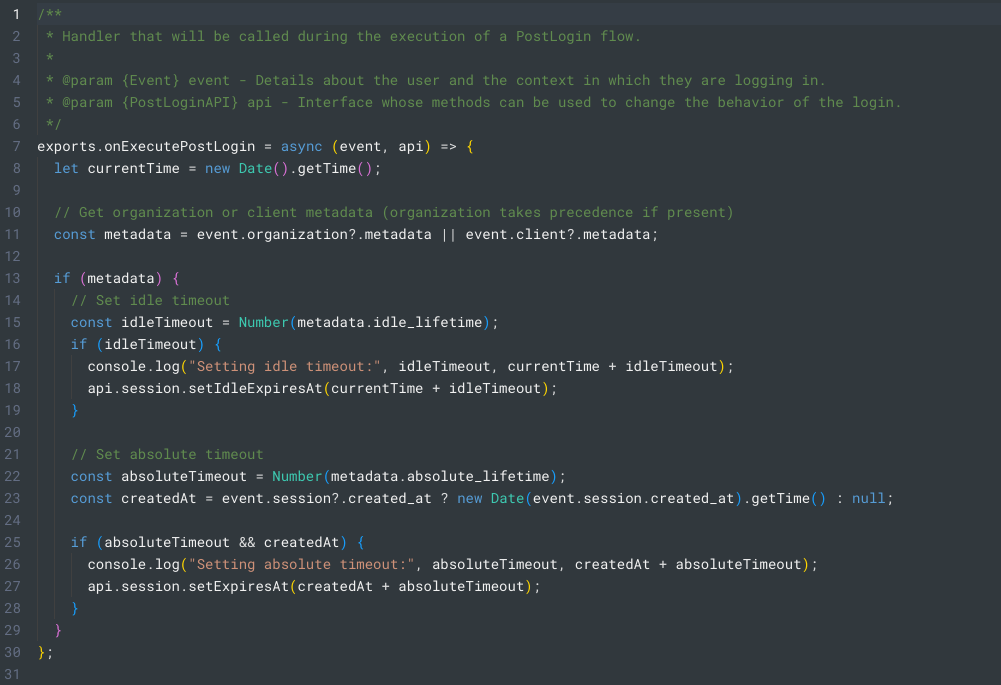


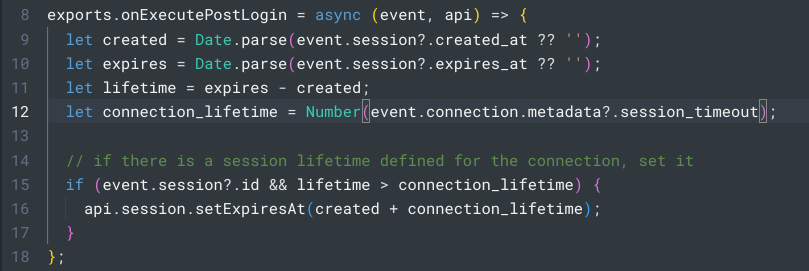


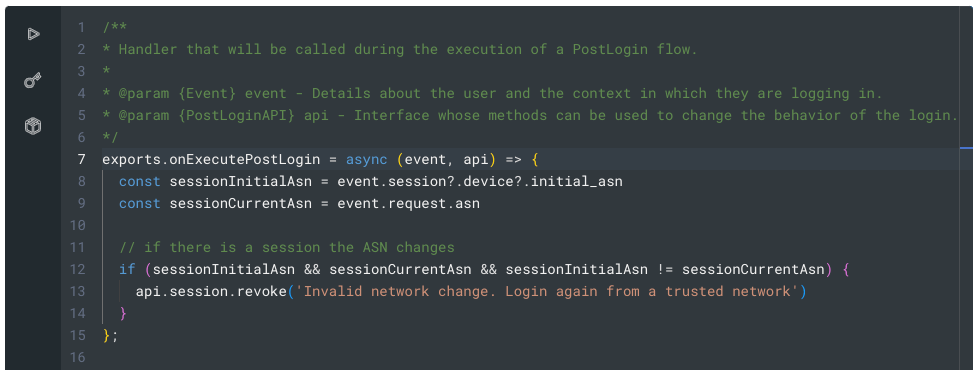


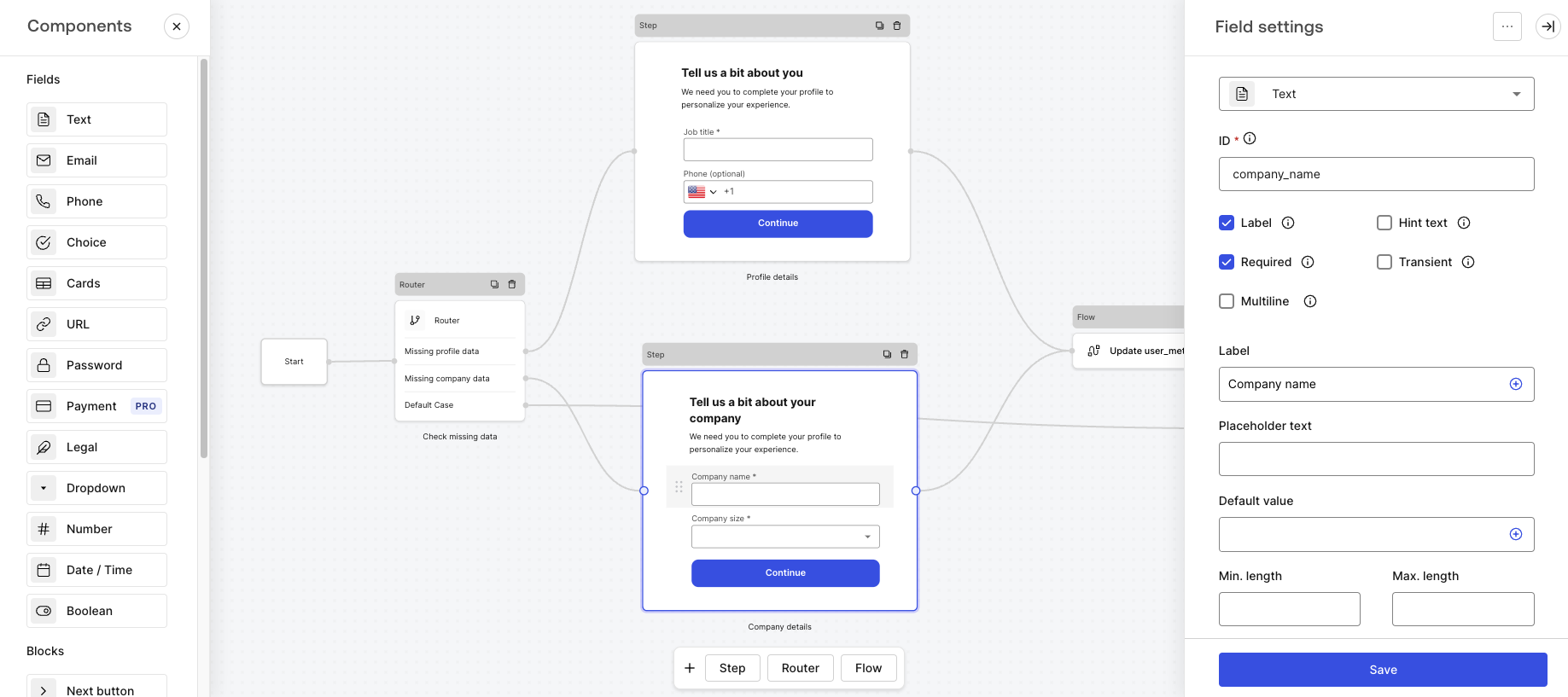


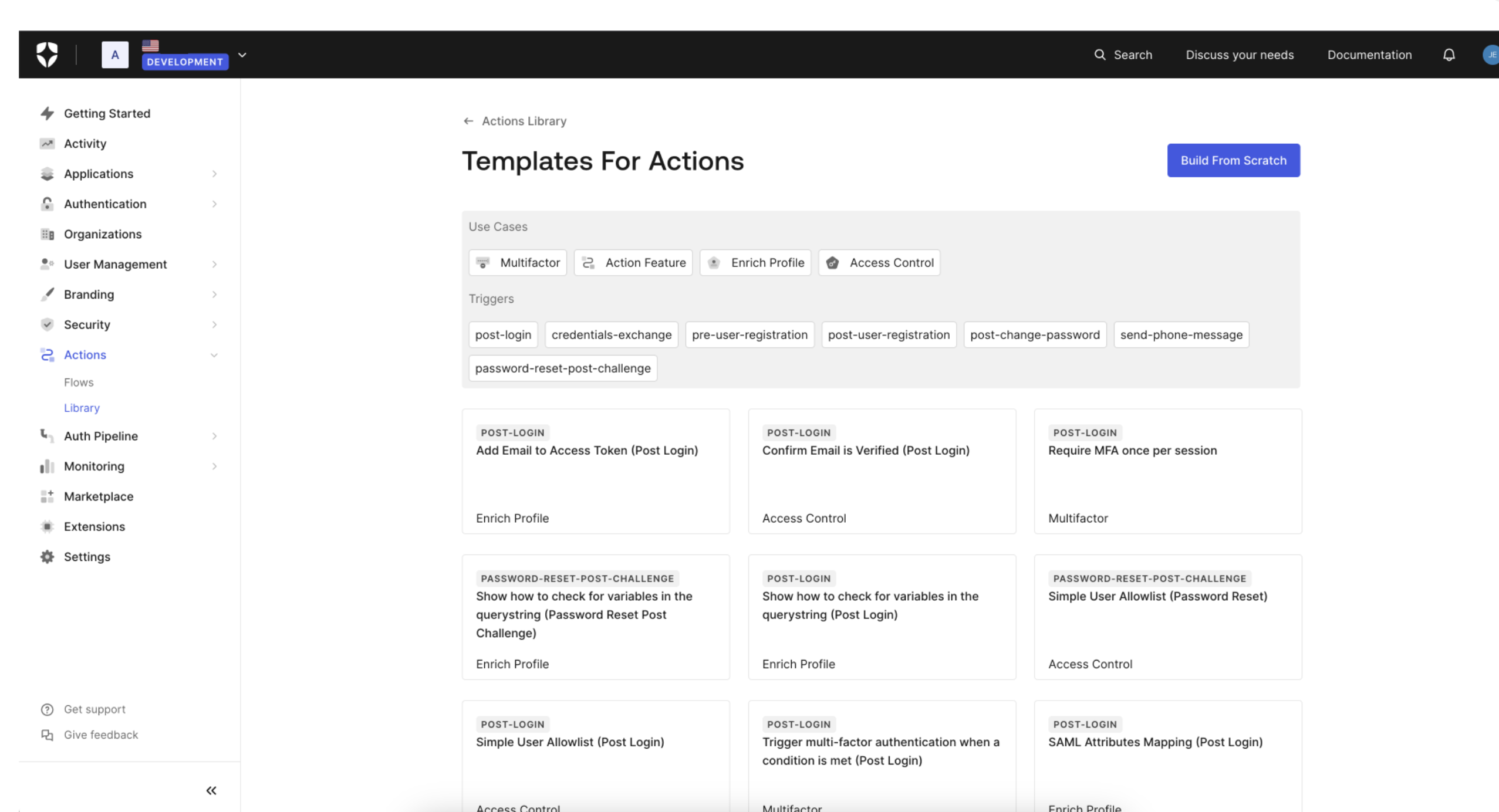 You can learn more about Templates for Actions from our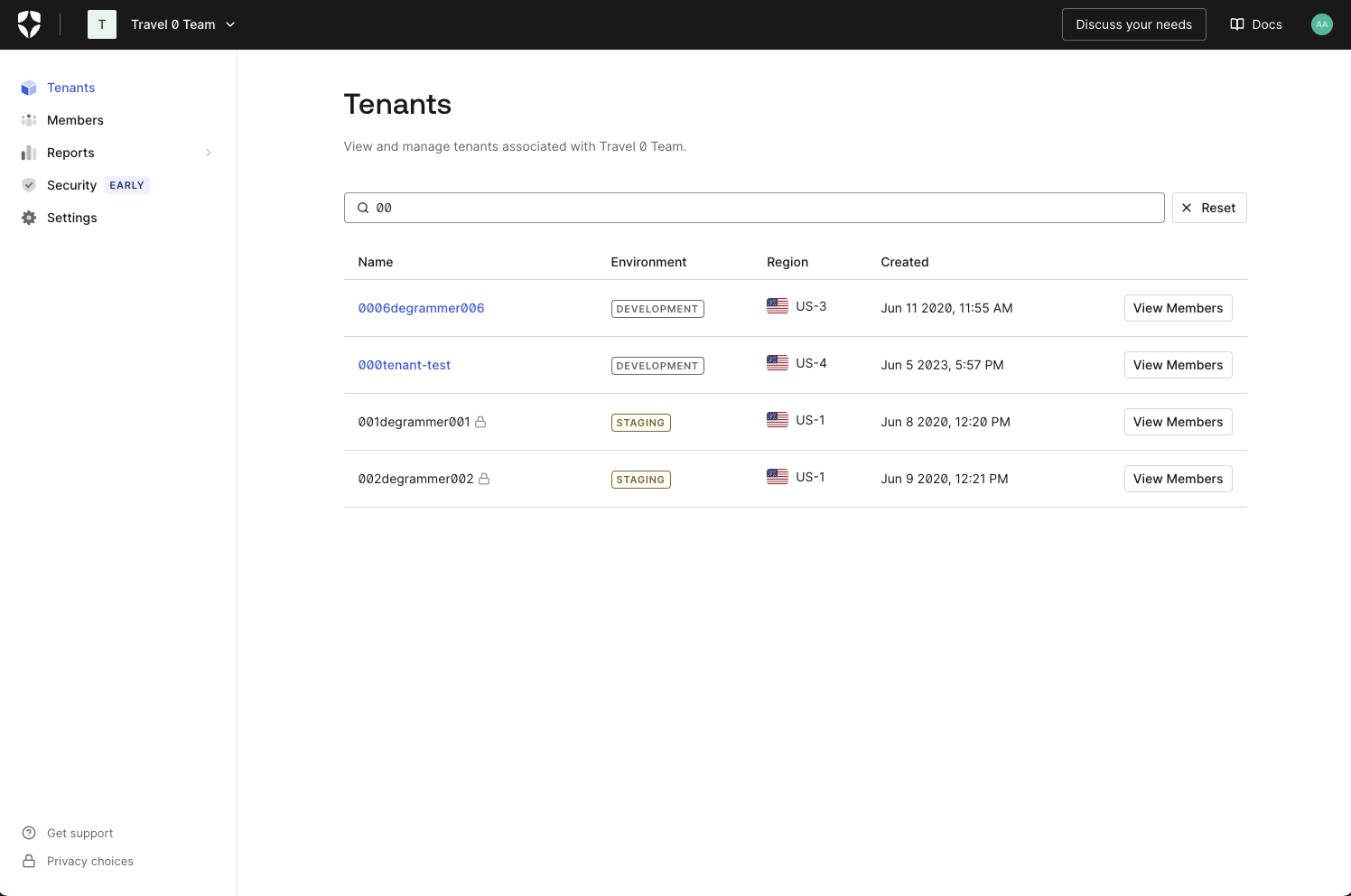
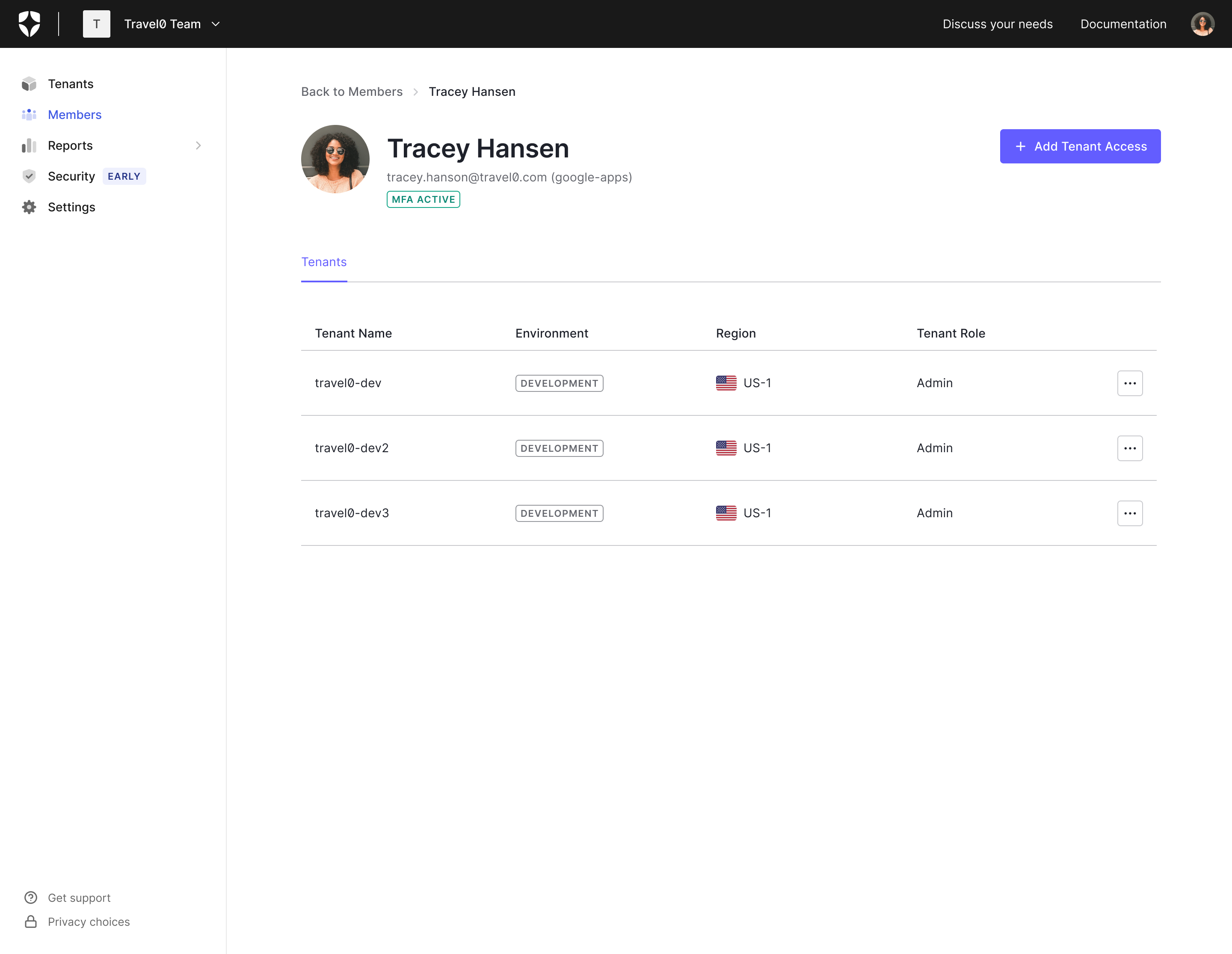
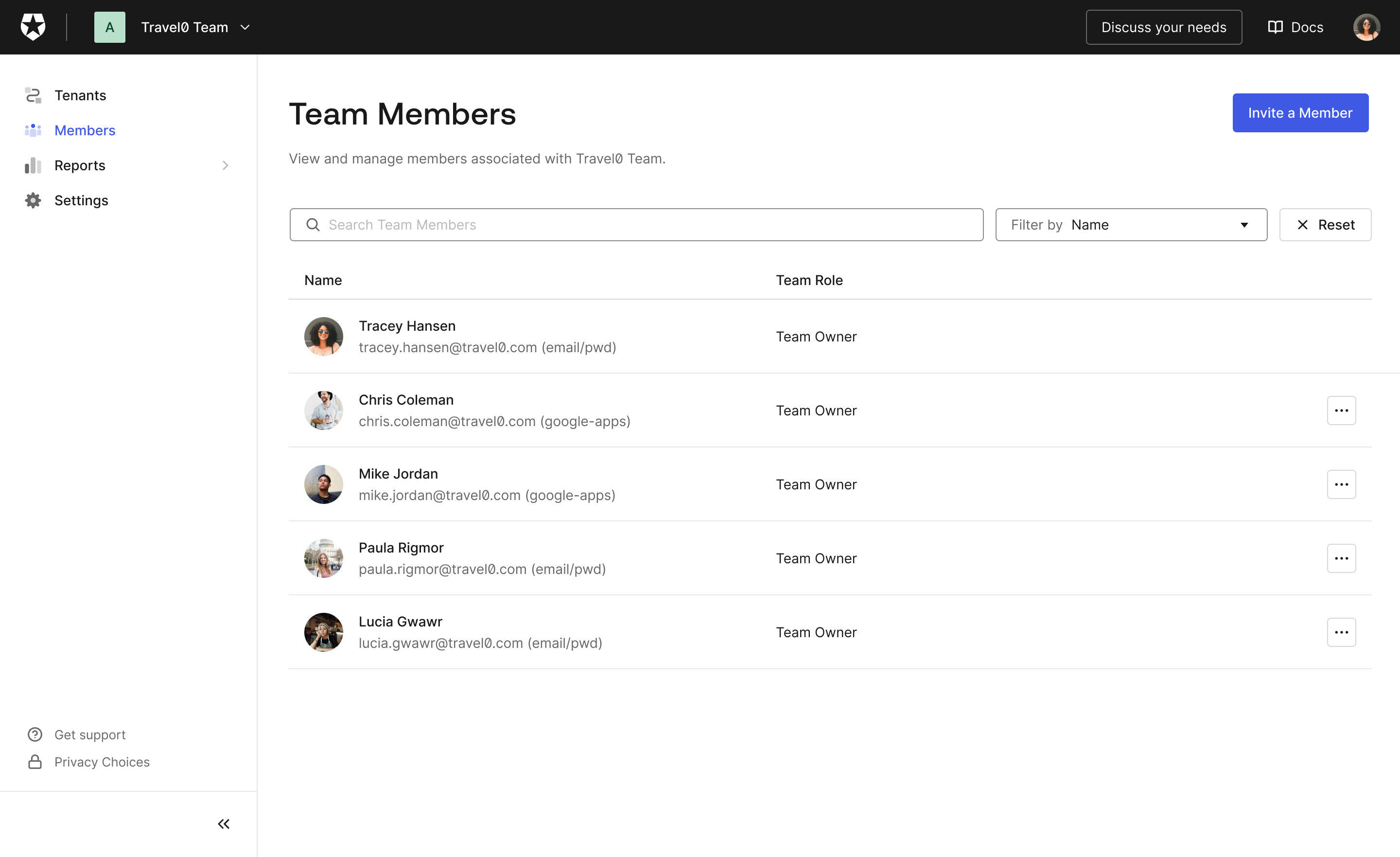
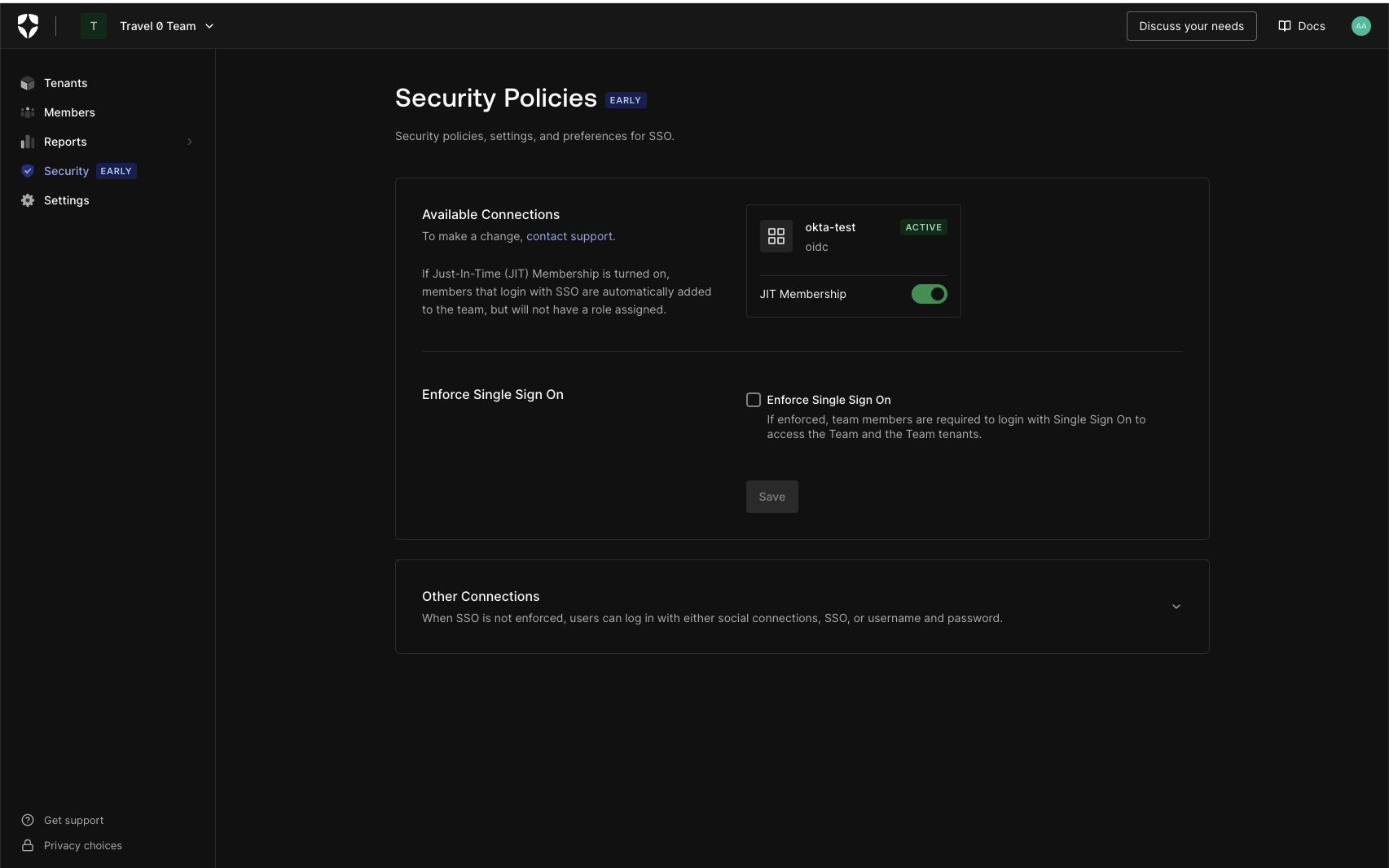 Did someone order up one Dark Mode Browser extra Hot! Feel free to dim the lights; Teams Dashboard now supports dark mode.
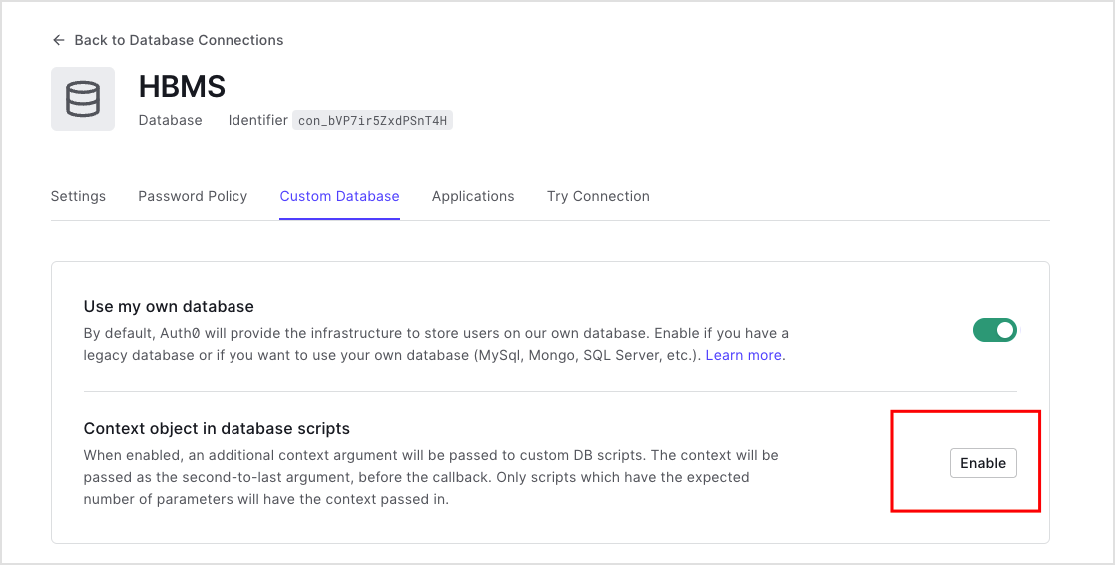 Once enabled, the custom database action script will be passed an extra parameter,