November 20, 2026
Auth0 can now act as a requesting application in Cross-App Access (XAA) flows for users who sign in through SAML enterprise connections, now in Early Access. This extends Requesting App support, released for OIDC and Okta Workforce connections on August 31.
Today, every user has to click "Connect your account" for every integration, in every app, one at a time. Cross-App Access Requesting App removes it: apps that authenticate enterprise users can fetch a third-party API token for that user without asking them to manually connect the account first. With this release, that includes users who authenticate through SAML.
Key highlights:
- Built on Token Vault, which uses the ID-JAG (Identity Assertion Authorization Grant) protocol to resolve tokens.
- SAML sign-in, OAuth token exchange: users sign in with SAML, and Token Vault then calls your IdP's OAuth 2.0 token endpoint, which Auth0 finds in the IdP's OpenID Connect metadata. Your IdP must be able to exchange a SAML assertion for a refresh token and issue ID-JAGs.
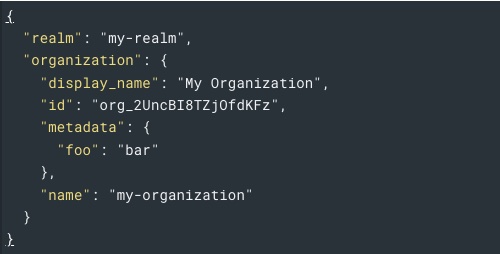
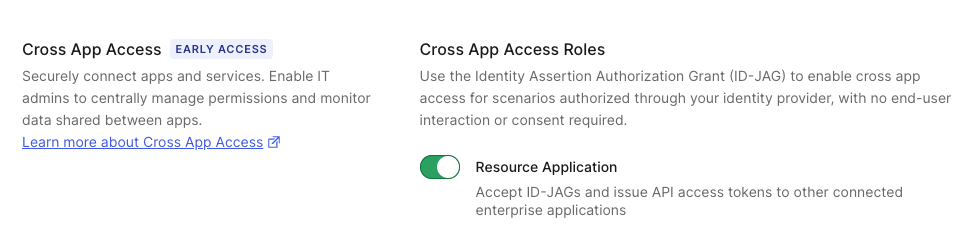
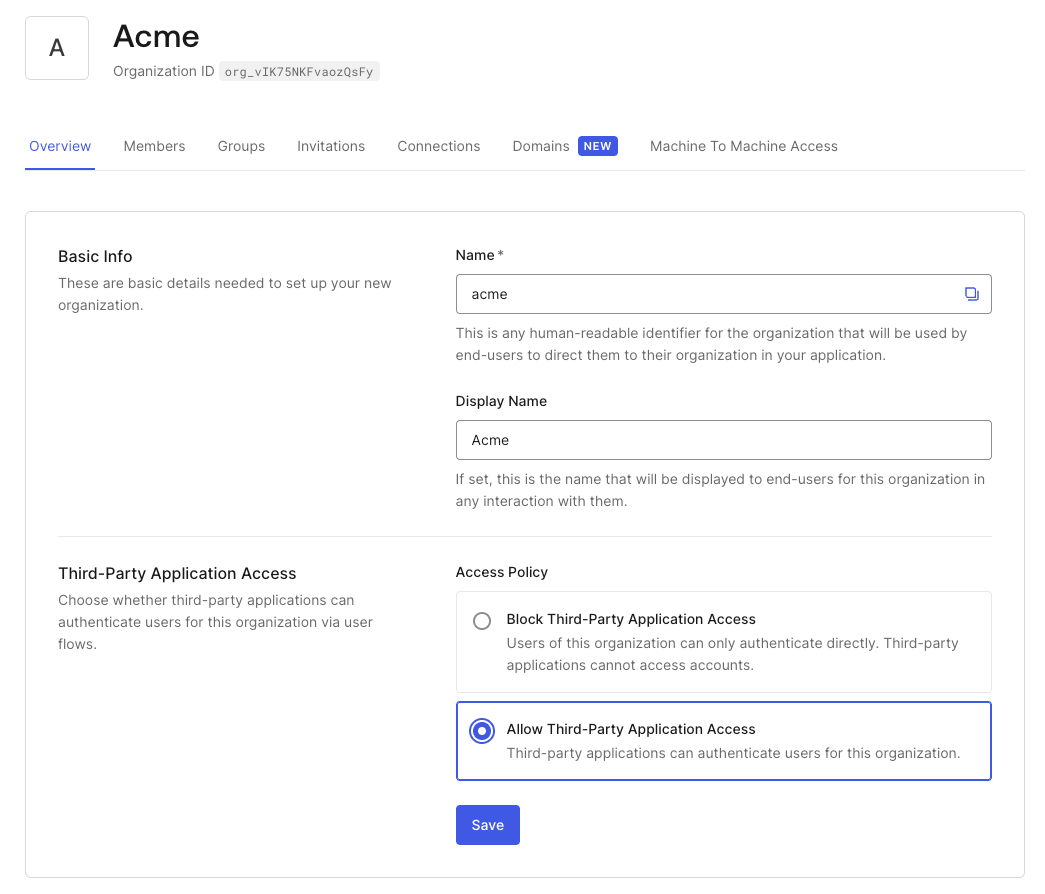
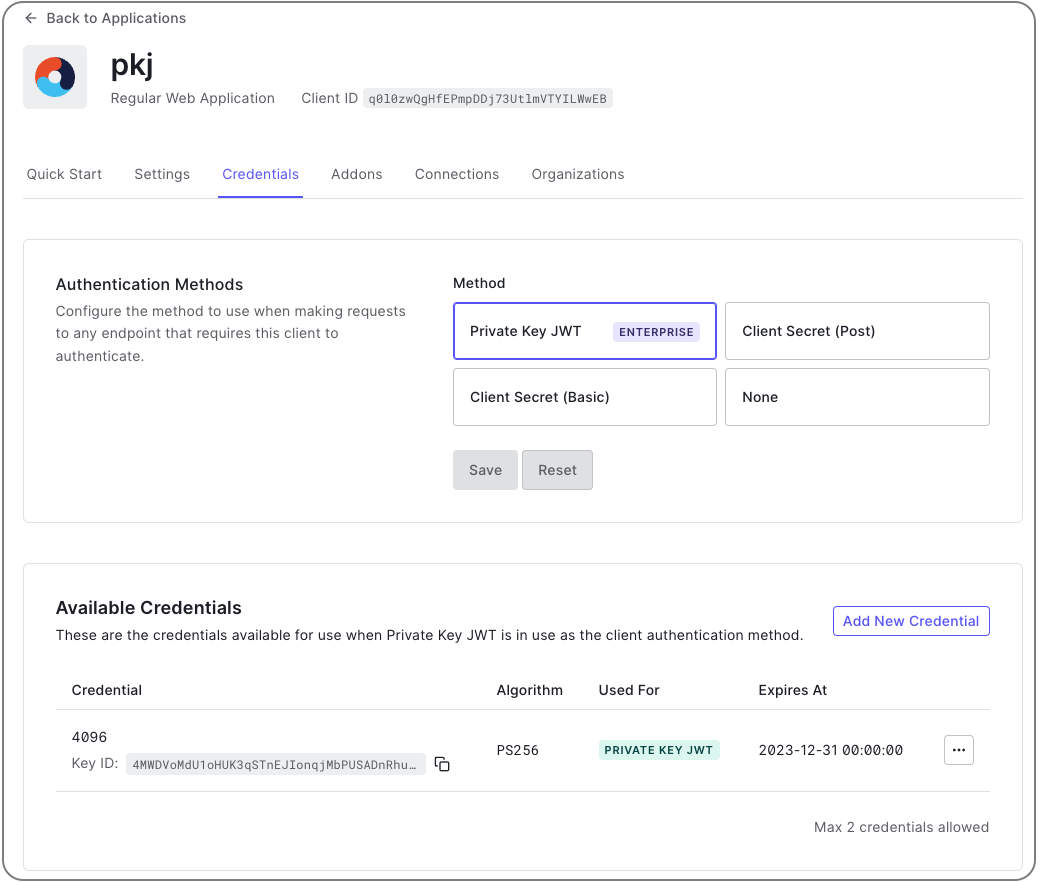
- Organization-aware: in multi-org tenants, connection resolution respects org_id, rejecting the request if the enterprise connection or target resource app isn't enabled for that organization, or if the org context is ambiguous. -Configure it in the Dashboard or with the Management API: enable the Requesting Application role on the SAML connection, set the issuer or discovery URL and the client ID Auth0 uses with your IdP, and authenticate with Private Key JWT or a client secret.
- Currently supported on SAML, OIDC, and Okta Workforce connections.
To learn more, read the Cross-App Access Requesting App documentation.
Cross-App Access Requesting App is in Early Access. By using this feature, you agree to the applicable Free Trial terms in Okta's Master Subscription Agreement and Privacy Policy (https://www.okta.com/agreements/).
 The Security Agent's detection and response cycle, from alert to remediation.
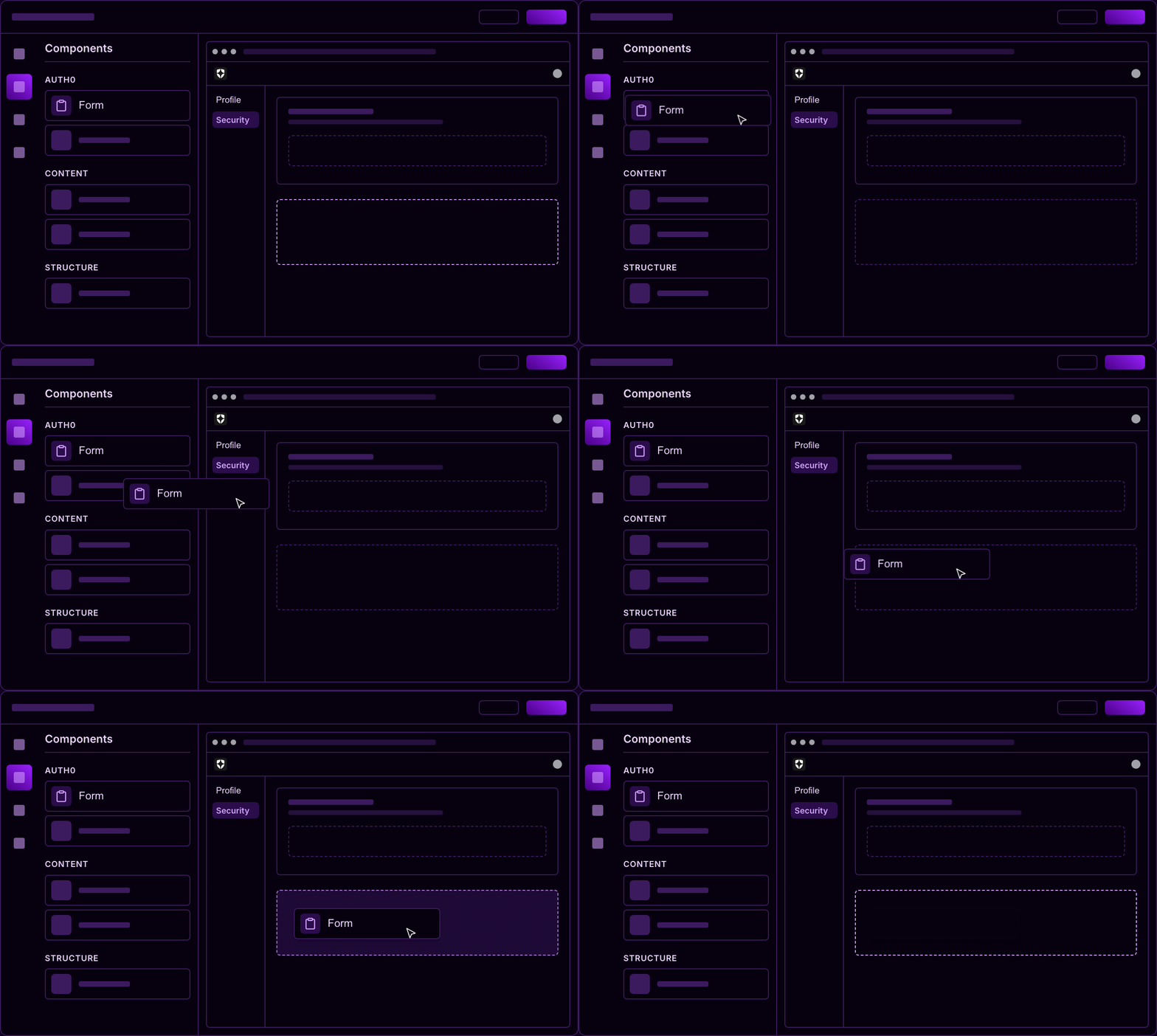

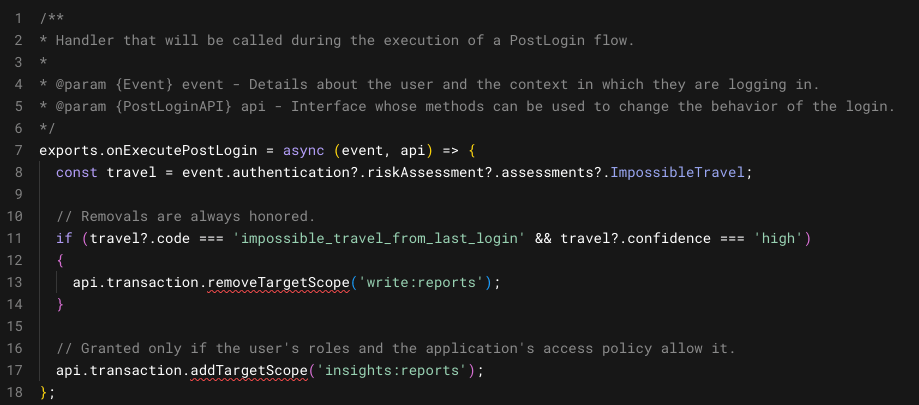
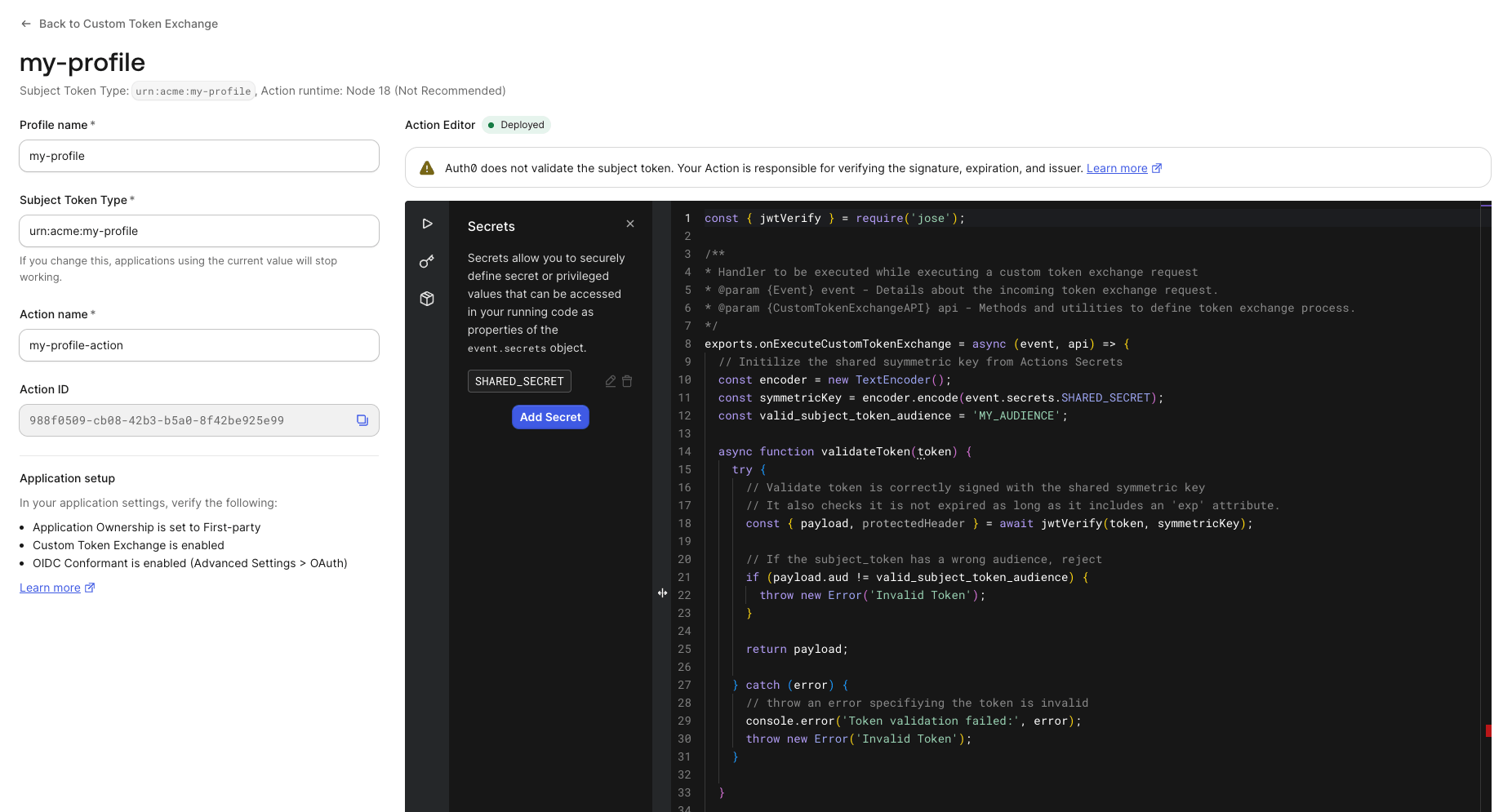


















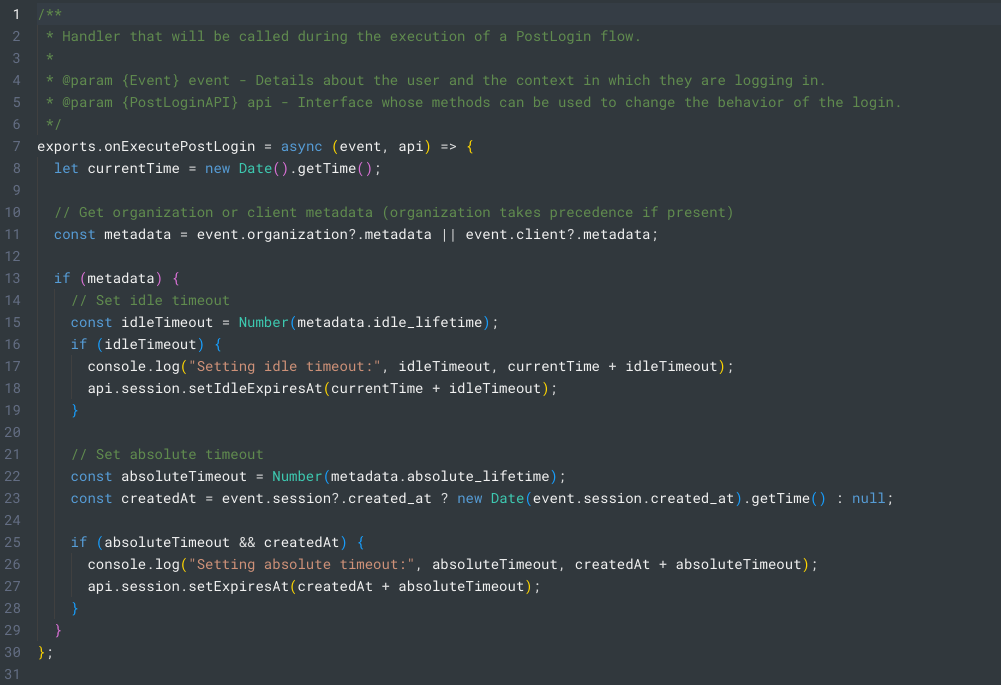


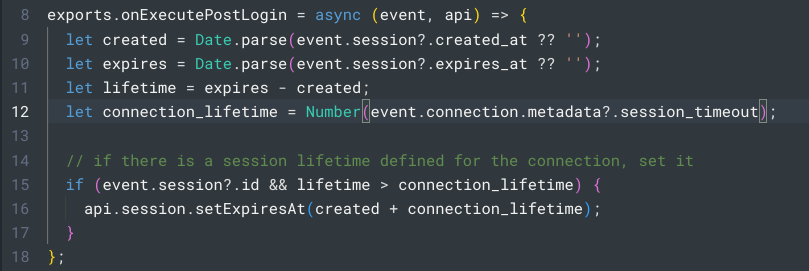


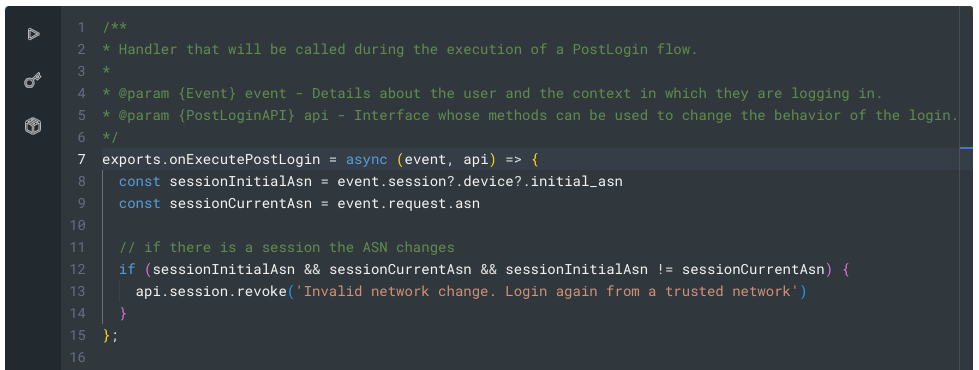




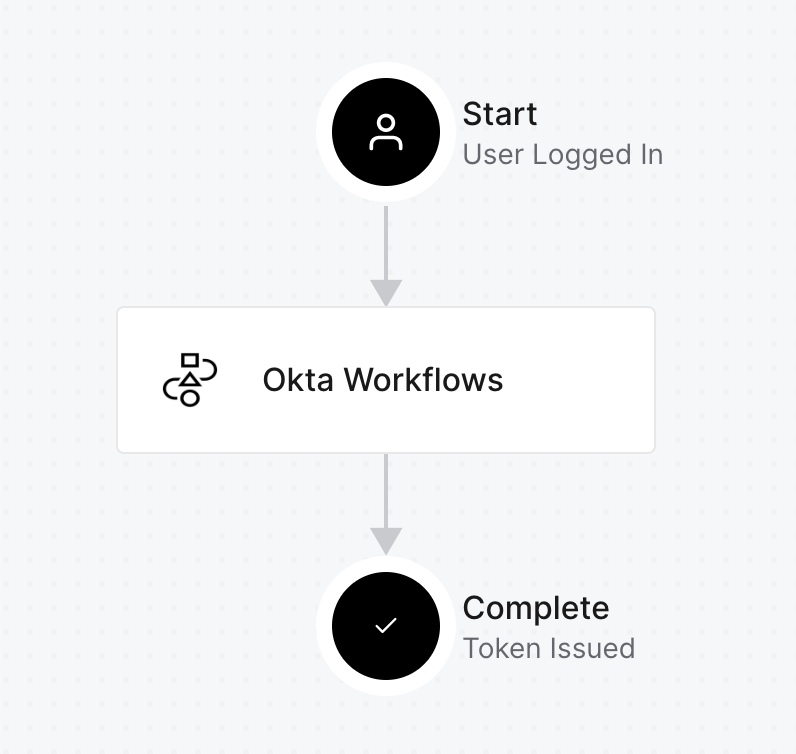
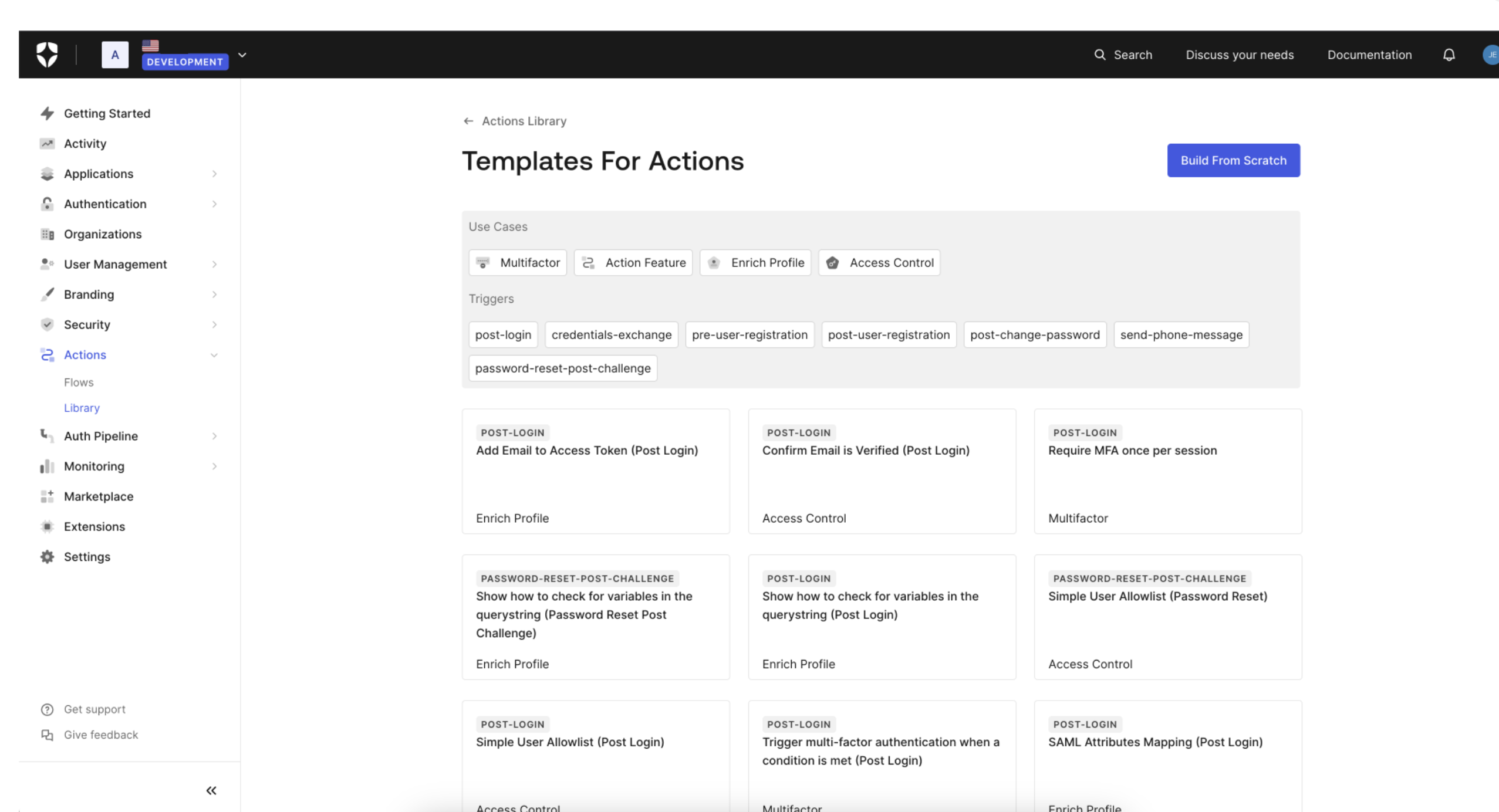 You can learn more about Templates for Actions from our
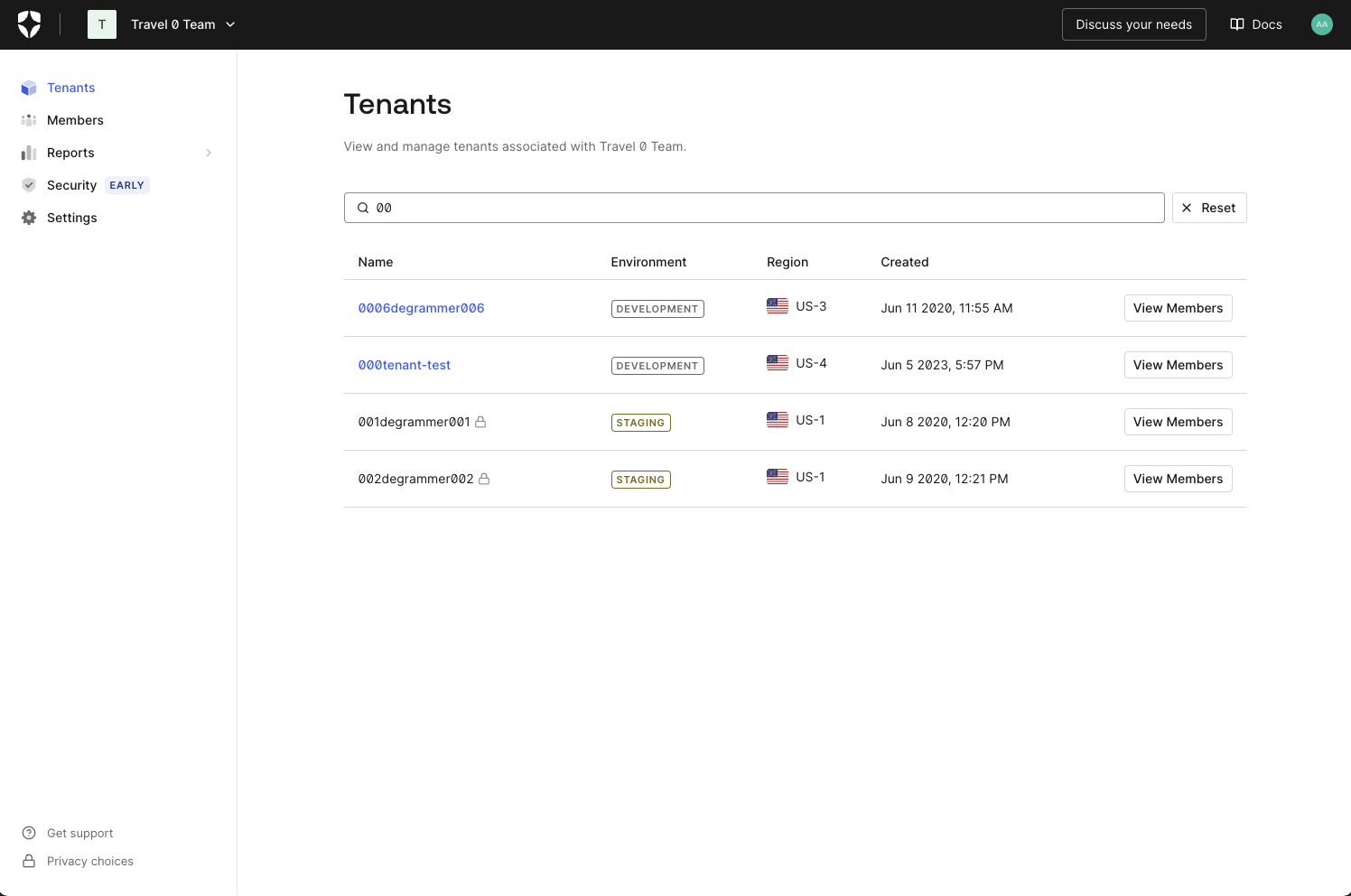
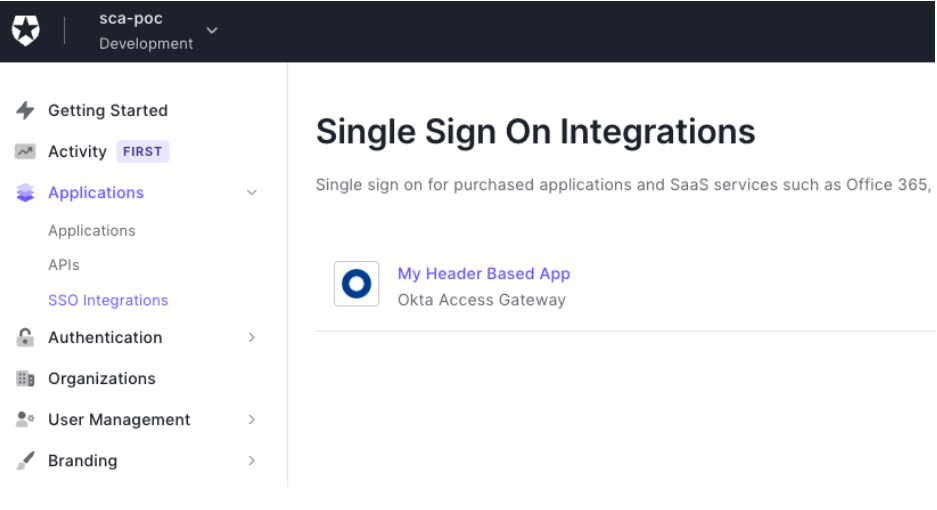
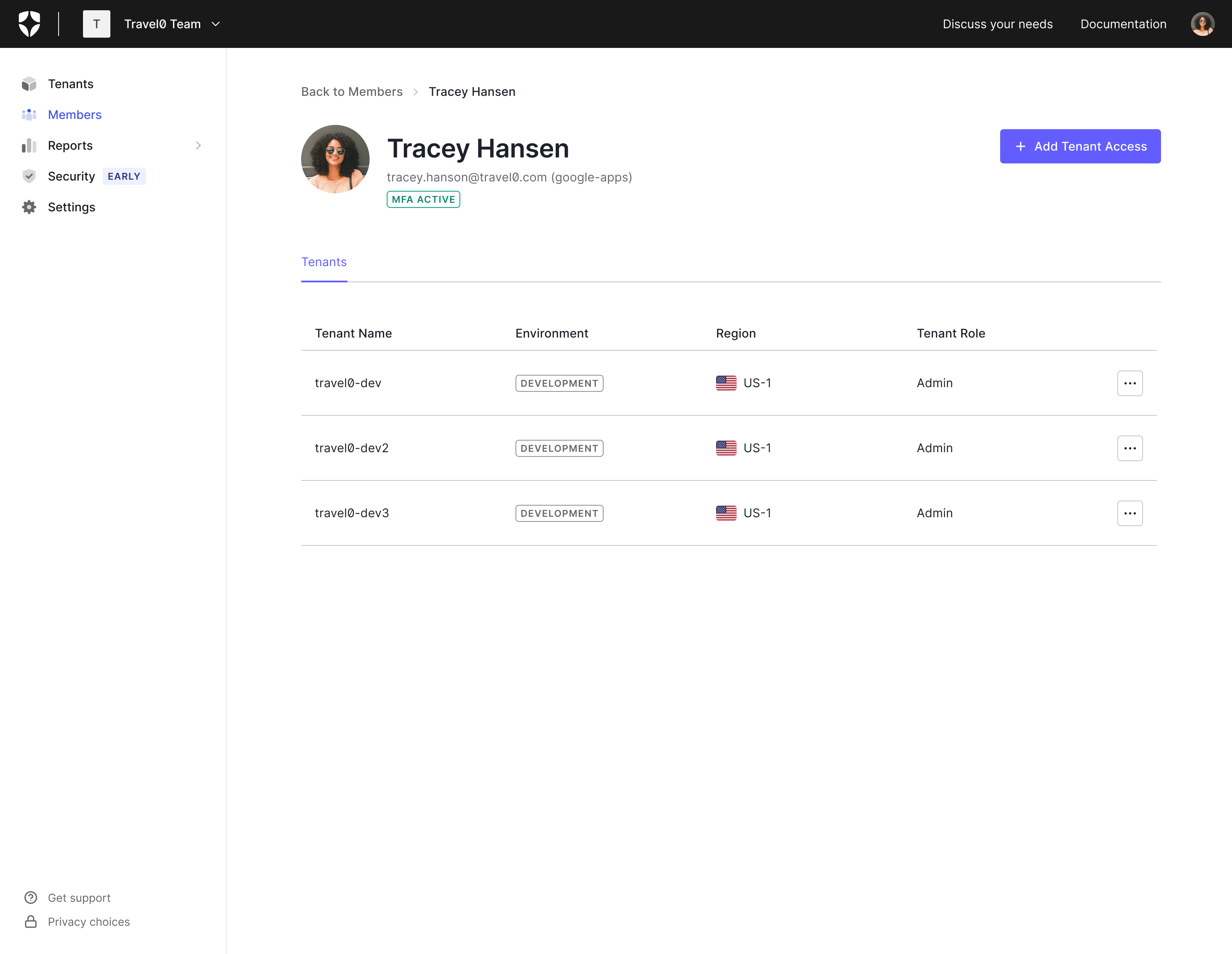
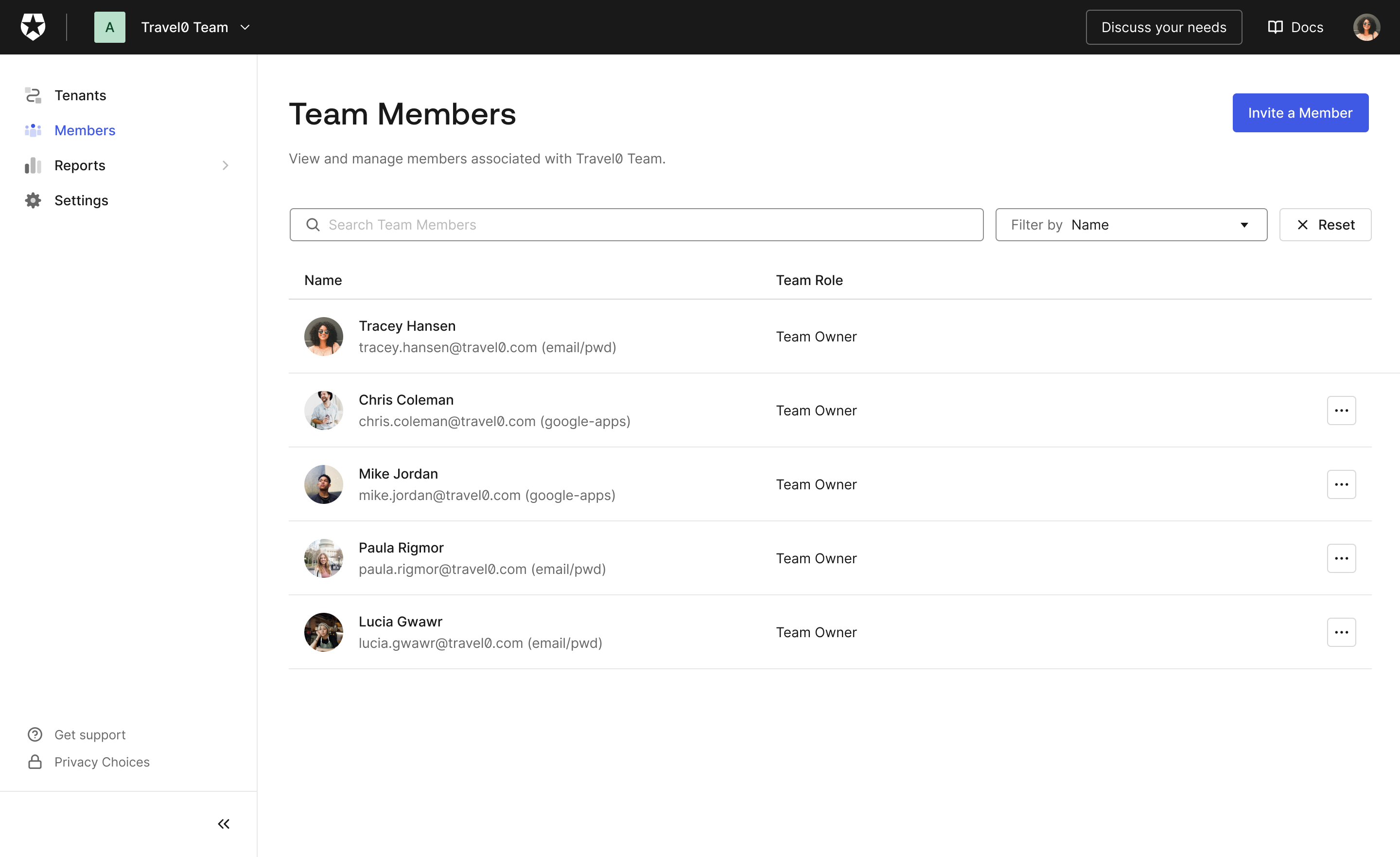
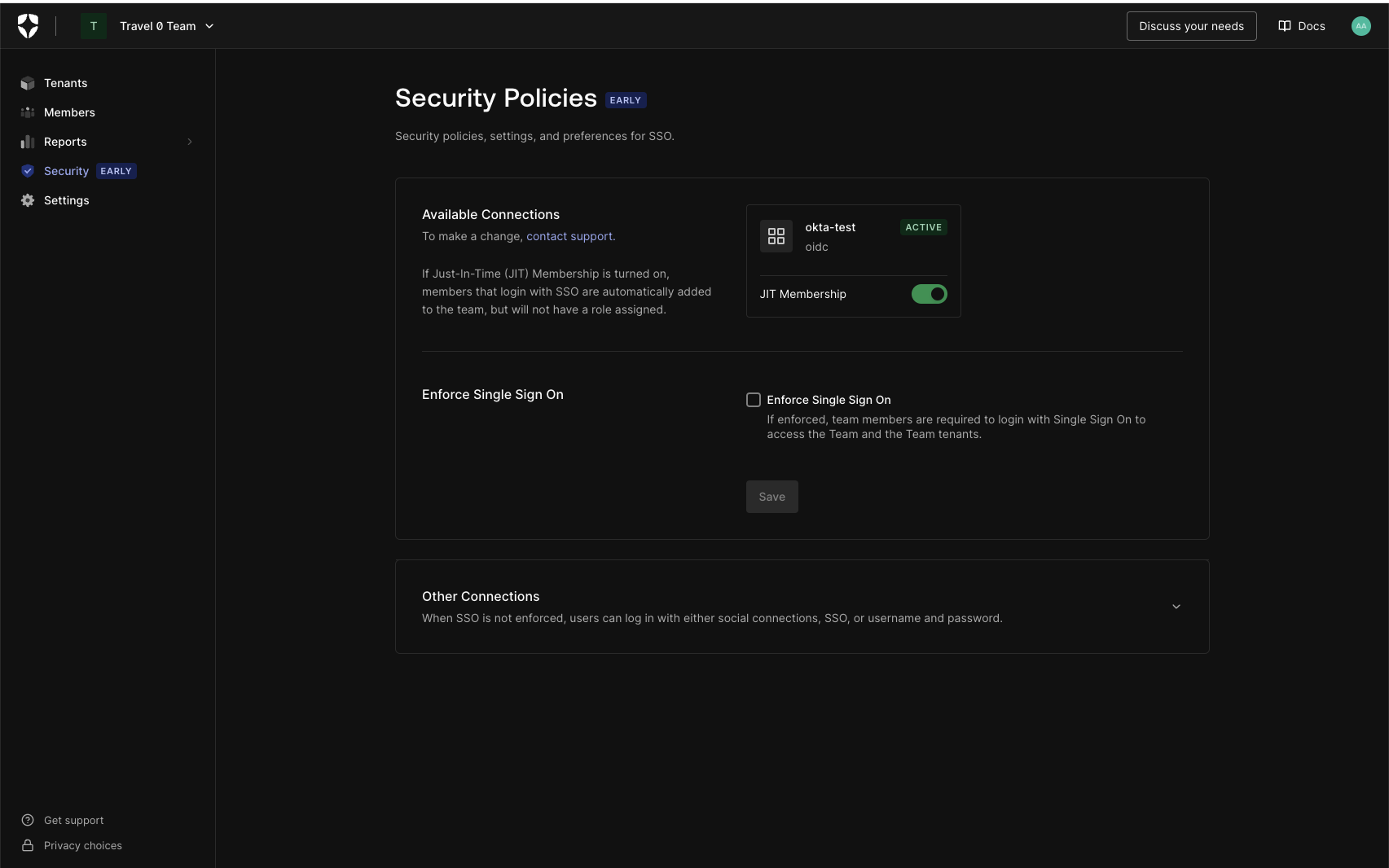 Did someone order up one Dark Mode Browser extra Hot! Feel free to dim the lights; Teams Dashboard now supports dark mode.
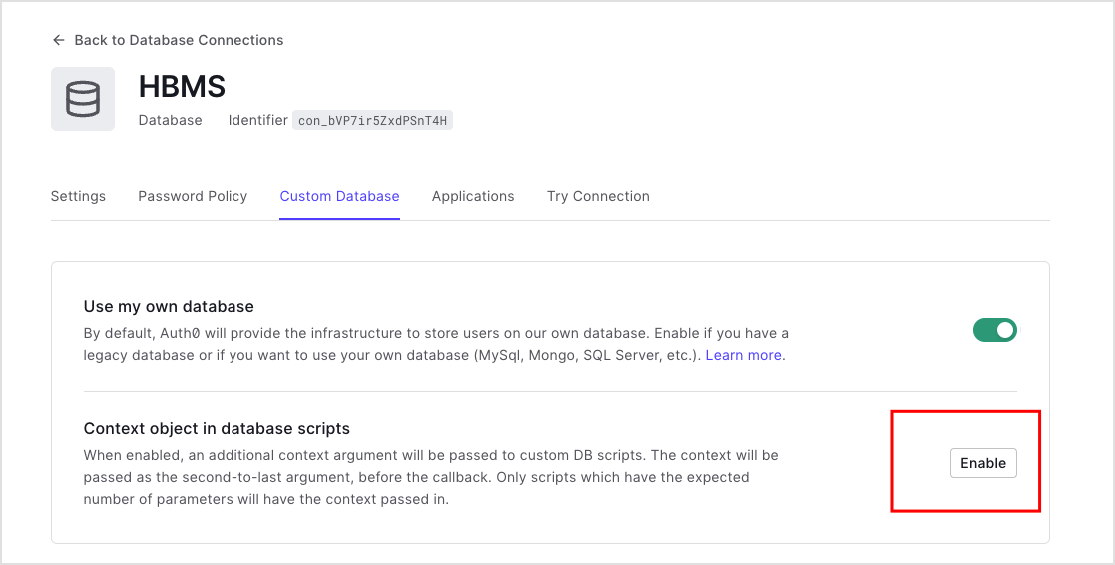 Once enabled, the custom database action script will be passed an extra parameter,